Bilal Siddiqui
Key takeaways
Closing an Amazon seller account is permanent. Amazon cannot reactivate it, so consider Vacation Settings, downgrading to the Individual plan, or removing selected listings first.
Amazon generally requires at least 90 days since the last sale, no open A-to-z Guarantee claims, and a zero account balance before approving closure.
Fulfill outstanding orders, resolve refunds, and submit return or disposal requests for all remaining FBA inventory before applying.
Review regional and unified account connections carefully. Closing one unified account may also close connected marketplaces such as the United States, Canada, Mexico, and Brazil.
Download tax documents, settlement reports, order history, inventory records, and other important data before closure because Seller Central access is permanently lost afterward.
Sellers search for this in a dozen ways: delete Amazon seller account, cancel Amazon seller account, deactivate Amazon seller account, remove Seller Central account. Amazon has one procedural term for the voluntary permanent action, and it is to close your seller account.
That matters more than it sounds. There is no reversible "close" and a separate irreversible "delete." There is one action, it is permanent, and Amazon cannot reactivate an account once it has been formally closed.
"Deactivate" also means something different inside Seller Central. Deactivation is generally a selling restriction Amazon imposes over verification, policy, performance, or legal concerns, and it follows a different path.
What follows covers what has to be settled before Amazon will accept a closure request, what closes alongside the account, what access disappears, and which reversible options solve the problem for most sellers who think they need to close.
Permanent Closure or a Reversible Alternative?
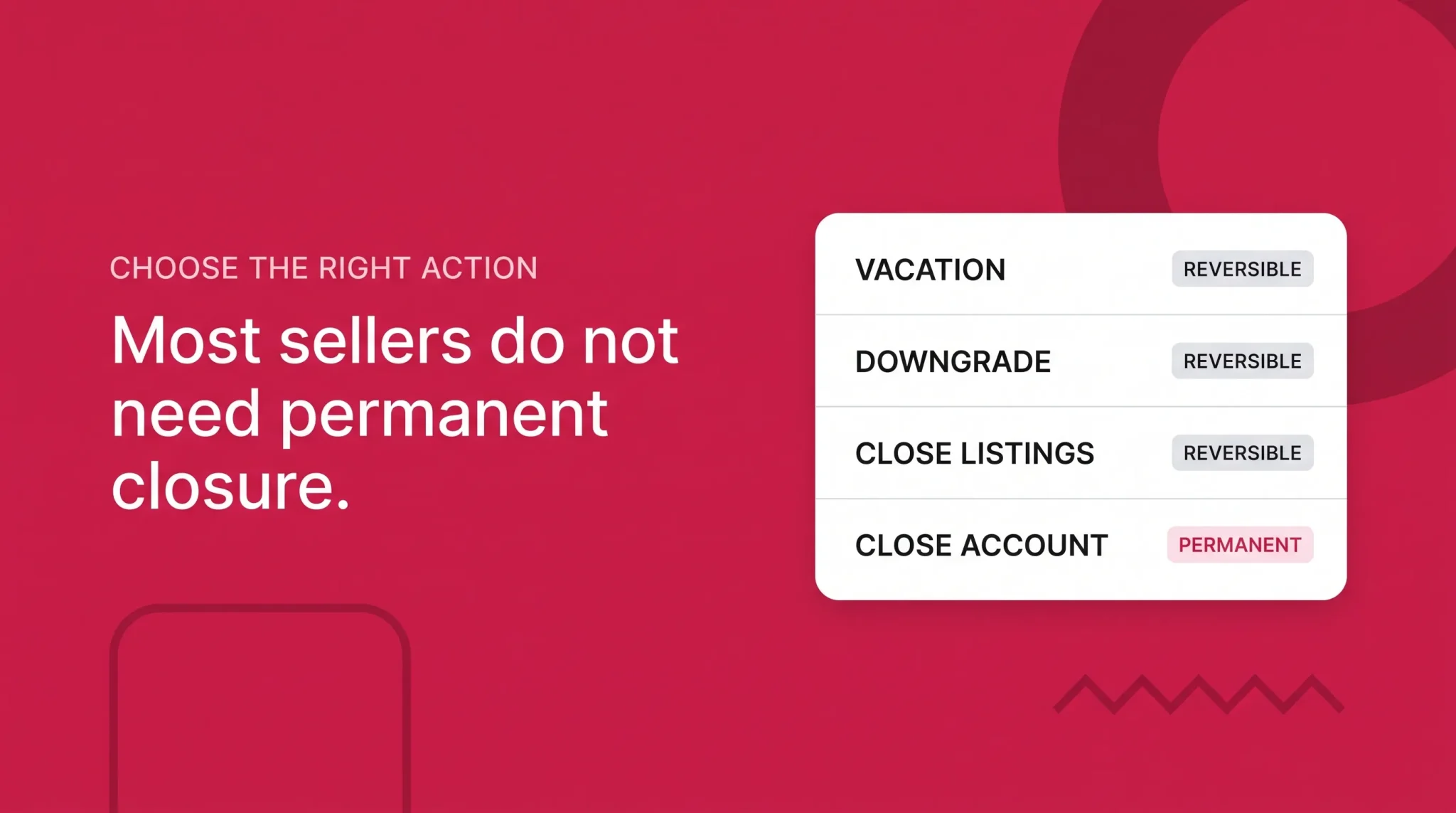
Most sellers who reach a closure guide do not actually want the account gone. They want a monthly charge to stop, or to step away for a few months, or to pull one product. Closure solves all of those permanently and expensively, when a reversible setting would have solved them properly.
Work out which of these describes the real goal first.
Seller's actual goal | Better action | Why | Permanent? |
|---|---|---|---|
Take a temporary break | Vacation Settings | Removes seller-fulfilled offers without touching the account | No |
Stop seller-fulfilled orders while away | Vacation Settings | Note that FBA offers keep selling, so plan for those separately | No |
Stop the Professional monthly subscription | Downgrade to Individual | Keeps the account and listings open; per-item charges apply instead | No |
Stop selling selected products | Remove or close those listings | Nothing else in the catalog is affected | No |
Stop activity in one marketplace | Review that region's account structure first | Connected stores inside a region may close together | Depends |
Resolve a deactivated account | Work the underlying issue | Voluntary closure generally requires the account to be restored first | No |
Leave Amazon permanently | Close the seller account | Requires settlement, the 90 day wait, and a zero balance | Yes, permanent |
Vacation Settings are the tool for a temporary pause. They remove seller-fulfilled offers from detail pages and search results without touching the account, and they can be switched back. The vacation mode guide covers how the setting behaves and what it does not stop.
Downgrading from Professional to Individual answers the most common reason sellers look up closure, which is the monthly subscription. Where the Individual plan is available, the downgrade stops the monthly charge while the account and its listings stay open. Per-item charges apply instead and some Professional-only features end, so it is a trade rather than a free move. The seller account setup guide covers how the plans differ.
Removing selected listings handles a seller stopping certain products rather than the business. Nothing about the account changes.
A deactivated account is a different situation. If Amazon has restricted selling privileges, the underlying issue generally needs to be resolved and the account restored before voluntary closure is available. Closure is not a way around a verification requirement, a policy matter, a negative balance, or an open investigation, and this guide does not cover appeals or reinstatement.
What Amazon Requires Before Closure
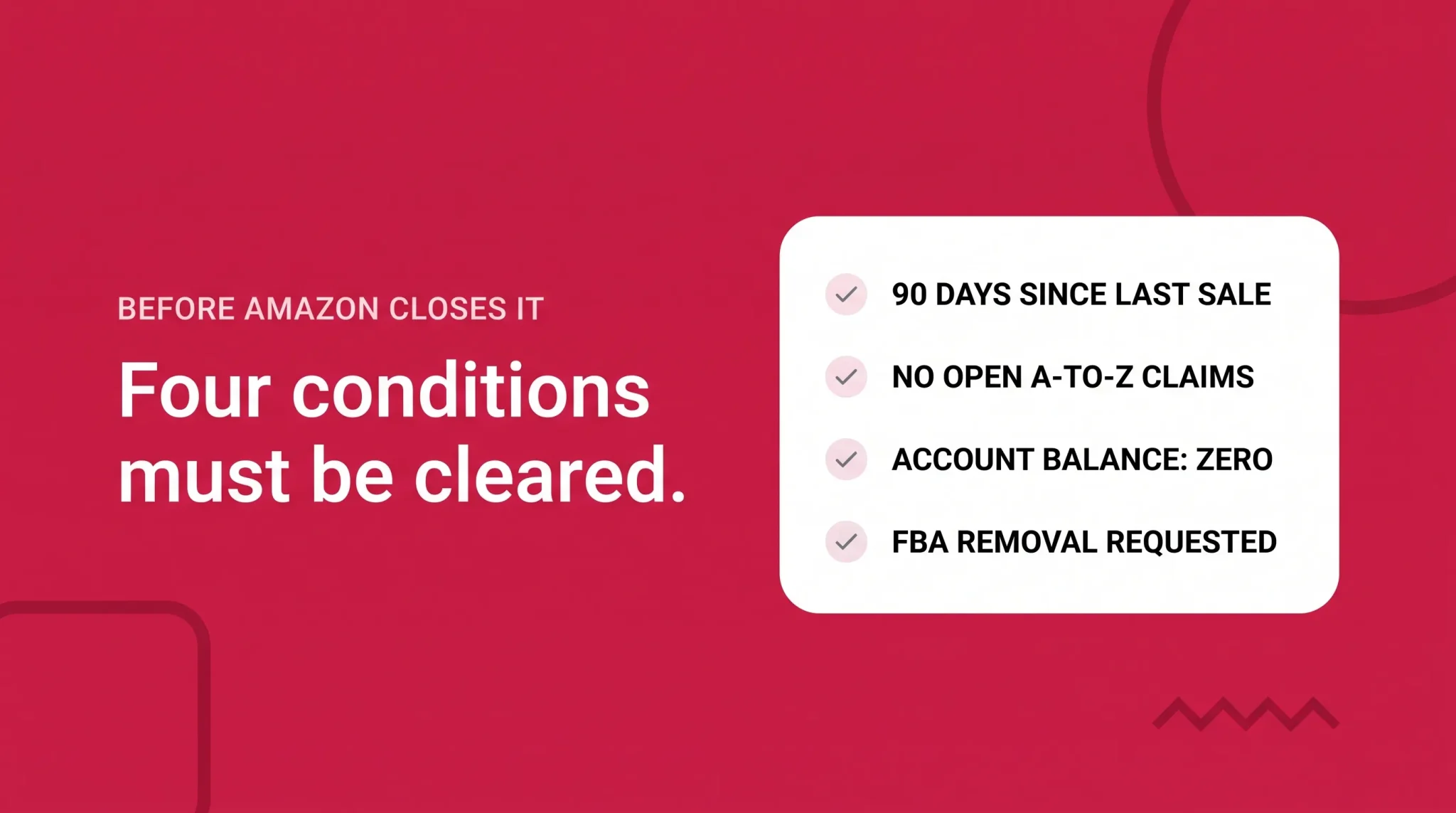
Two things get run together in most guides. Some requirements are conditions Amazon states will prevent the account from closing. Others are preparation Amazon tells sellers to complete first. Both matter, but only the first group produces a refusal.
The stated blockers
The account cannot be closed within 90 days of the last sale. This exists so the A-to-z Guarantee claim period is honored.
An open A-to-z Guarantee claim keeps the account open until it is settled.
The account balance must be zero before the account can close.
The preparation Amazon asks for
Fulfill any outstanding orders. Resolve transactions with buyers, including issuing any refunds that are due. Keep the bank account on file current so a final payment can reach you. Review Performance Notifications and confirm that the reasons behind any suspension have been resolved and the account has been restored. And where the account holds FBA inventory, submit a request to return or dispose of it.
What is worth checking but is not a documented blocker
Plenty of things complicate a closure without being a rule Amazon publishes. Chargebacks and SAFE-T claims, open support cases, inbound shipments in transit, pending reimbursements, obligations tied to Amazon Lending or Currency Converter, API connections, and marketplace tax registrations all belong in this group.
Review them and settle what you can, but do not treat each one as a formal gate or assume that clearing them guarantees approval. The reliable signal is Amazon's response to the request, which names what remains outstanding.
The 90 Day Waiting Period
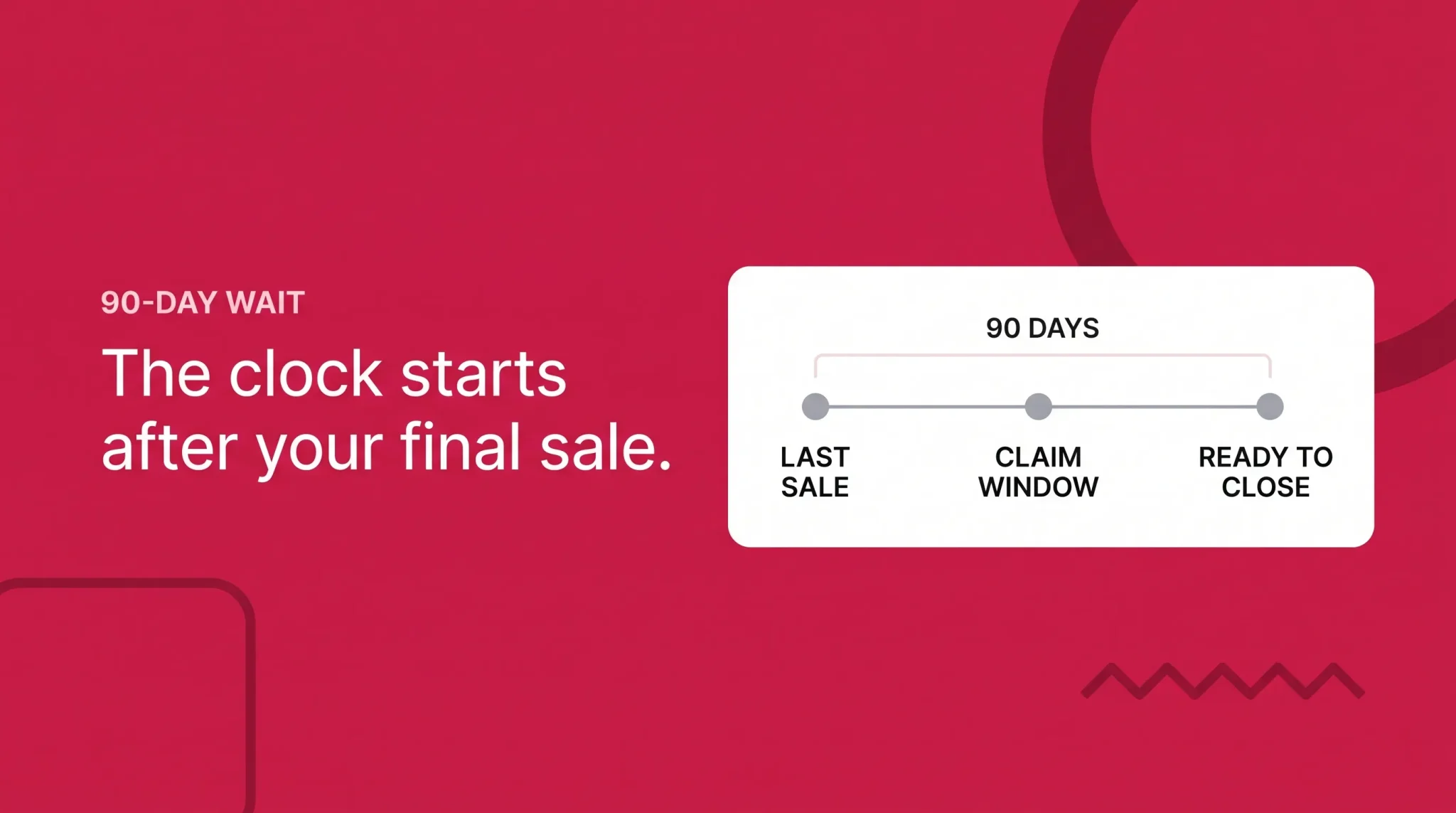
This is the requirement sellers most often discover late, usually after submitting a request and being told no.
Amazon requires at least 90 days after the last sale before the account can close, and the reason is specific. It is not a general inactivity period. It exists so the A-to-z Guarantee claim period on your final sales can run its course while there is still a live account on the other side of it. Buyers who purchased in your last week of trading keep the rights they would have had otherwise.
The clock is therefore tied to sales, not to intention. A sale during the waiting period affects when the account is ready to close, which is why sellers who plan to leave usually remove listings first and then wait, rather than waiting with offers still live.
Watch FBA offers in particular. Vacation Settings remove seller-fulfilled offers, but FBA offers stay active and Amazon keeps selling and shipping them. A seller who enables Vacation Settings, assumes the store is closed, and waits out three months may find FBA orders have been arriving the whole time.
Waiting 90 days on its own does not produce an approval. The balance still has to reach zero, claims still have to settle, orders and refunds still have to be handled, inventory still has to be dealt with, and an account under restriction still has to be restored.
Orders, Claims, Refunds, and Balance
Closure does not erase anything a previous order created. That is the reason the waiting period exists.
Outstanding seller-fulfilled orders need to be fulfilled, refunds that are due need to be issued, and return requests need to be processed. Open A-to-z Guarantee claims keep the account open until settled, and buyer messages tied to recent orders still need answering. Disputes and chargebacks still in motion deserve attention too, even though Amazon does not name them as blockers.
Order status detail belongs elsewhere. If you need to work through Pending versus Unshipped or the Manage Orders queue, the open orders guide covers it. For closure the question is simpler: is there anything a buyer could still reasonably expect from you, and has it been resolved?
The zero balance
The balance has to reach zero. In practice that breaks into two situations.
A positive balance normally clears through a disbursement. You wait for the next scheduled payment, it lands, and the account settles. This is why the bank account on file has to be current. An old or closed bank account means the final payment has nowhere to go, and the balance sits there blocking closure with no obvious cause.
A negative balance has to be settled the other way, which means Amazon needs to collect. Keep the charge method valid for the same reason. An expired card is a small oversight that can stall the whole process.
Final timing depends on your account's normal payment schedule and any reserve conditions that apply, so there is no fixed date to plan around. Reconcile before you submit, and keep your own records of what settled and when. For anything touching your business accounts or tax position, speak to a qualified professional.
FBA Inventory and Remaining Activity
Where the account holds FBA inventory, Amazon's requirement is that the seller submit a request to return or dispose of all inventory before closing the account.
Note the wording. The requirement is to submit the request, which is not the same as every unit physically arriving back at your address before you can proceed. What it does mean is that inventory has to be dealt with deliberately, because nothing about the closure request moves it for you.
Inventory does not come back on its own, and inventory-related costs can continue while units remain in the network. Removal and disposal take time to process, so leaving this to the end adds weeks. Sellable inventory can remain purchasable until the listing itself is closed, which means a stray FBA sale can land while you are waiting out the 90 days. And you want visibility into removal activity while you still have Seller Central access, since that access ends permanently at closure.
Some situations need account-specific handling rather than a standard removal. Units that are reserved, stranded, under investigation, or tied to an open reimbursement may not move on the normal path, and are worth resolving before you submit anything.
Regional and Unified Accounts

This is where sellers do the most accidental damage, because two different things are easy to confuse.
Separate regional accounts close individually. Amazon states that regional accounts must be closed one at a time, across regions such as North America, Europe, Japan, and Australia. Closing your North America account does not close your Japan account. Several regions means several requests.
Connected stores inside a single regional account close together. If you hold a North America Unified Account, closing the seller account can shut down the eligible connected accounts, which can include the United States, Canada, Mexico, and Brazil. If you hold an Amazon Europe Stores Account, closure can shut the account down across the connected European stores. Do not assume you can close one marketplace inside a unified region and keep its siblings trading.
Before submitting anything, check four things: the store switcher, the global account list in Seller Central, every active Professional plan across those accounts, and whether any of them still has buyable listings.
That last pair matters for a reason sellers rarely anticipate. If you keep another regional account open on a Professional selling plan with buyable listings, subscription charges can continue. A seller who closes the US account specifically to stop the monthly fee, while a European or Japanese account stays open and live, has not stopped the fee.
Regional structures differ, and behavior in one region does not generalize to every marketplace.
What Access Is Lost
After closure you can no longer access the closed Seller Central account. Concretely, that means you cannot view its order history, process returns, issue refunds, respond to A-to-z Guarantee claims, or communicate with buyers through it.
Everything else inside that account goes with it in practical terms. Reports, support cases, inventory information, advertising history, account notifications, and the tools tied to that login all stop being reachable, which is why the export step below is not optional housekeeping.
What closure does not do is delete Amazon. Product detail pages and ASINs continue to exist in the catalog, customer reviews remain, Amazon keeps its own transactional and legal records, and your trademarks are unaffected by anything that happens in Seller Central.
Connected services need separate attention. Brand Registry, the Advertising Console, Buy with Prime, Multi-Channel Fulfillment, Amazon Pay, developer applications, and third-party integrations may sit on separate accounts, permissions, or offboarding paths. Closing Seller Central does not automatically close every one of them.
Closing the seller account is not the same workflow as deleting the customer-facing Amazon shopping account. Use only the Seller Central Close Account workflow when the intention is to close the selling account.
What Records to Download
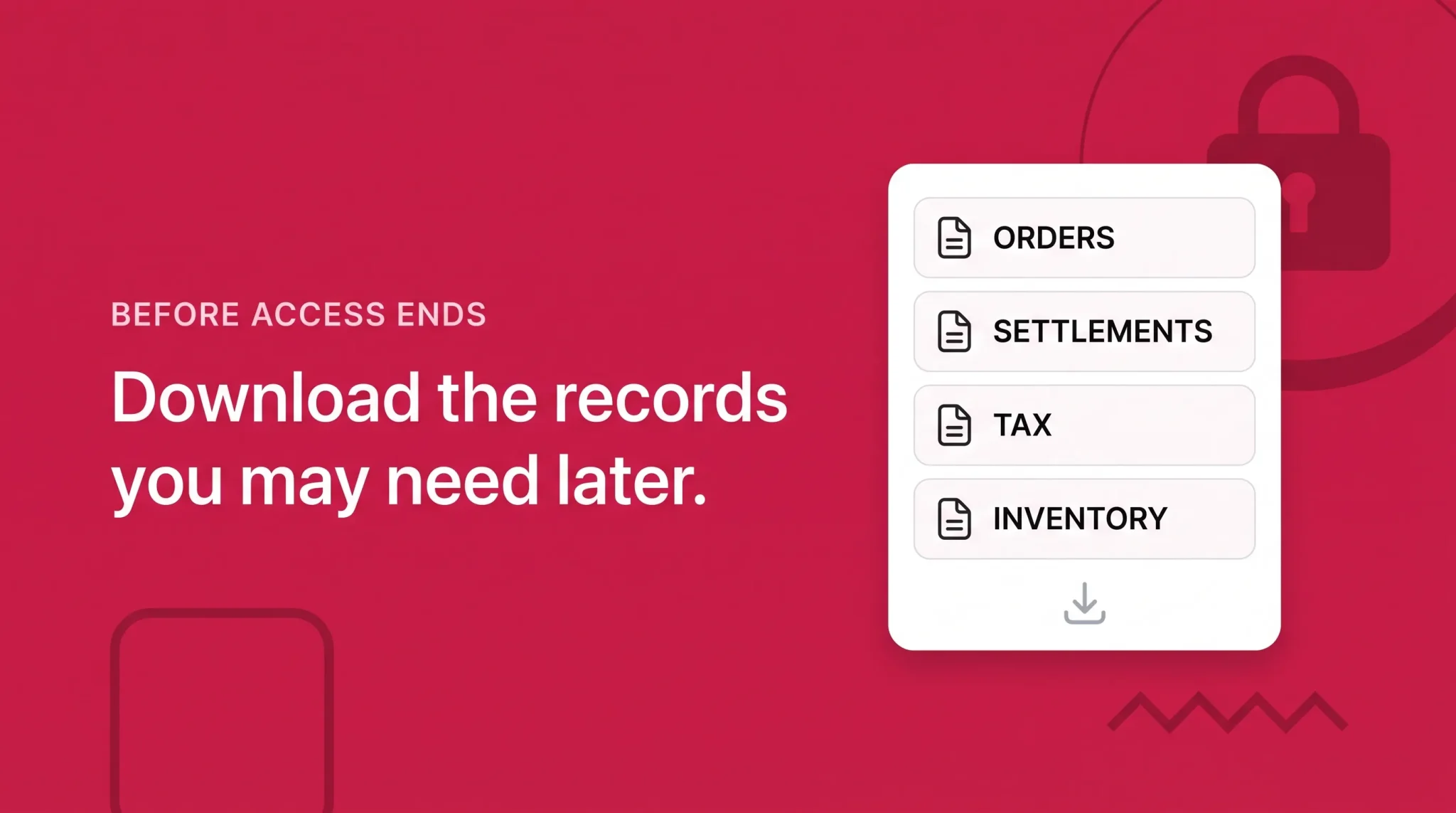
Once access ends, anything you did not export is gone from your side. The time to handle this is before the request, not after the confirmation email.
Pull down what the business will plausibly need again: settlement and transaction reports and order history for reconciliation, returns and refund records, and tax documents and tax-related reports, which is the category sellers most often regret leaving behind since these live inside Seller Central and stop being reachable when it closes. Then inventory and FBA reports with removal and reimbursement records, advertising reports and Business Reports if the history has value, Account Health and performance notification history, support case records, and catalog and SKU exports.
Then the operational details that are easy to overlook because they are not reports: your user permission list, your API and integration configuration, and your Brand Registry role and enrollment information.
Keep the export organized enough that you can find a specific settlement or tax document a year from now. On what you are required to retain and for how long, consult a qualified tax or legal professional about your own obligations.
How to Submit the Closure Request
Once the account is settled and the records saved, the request itself is short.
Open Settings in Seller Central.
Select Account Info.
Locate Account Management on the left side of the page.
Select Close Account.
Complete the required fields.
Select Send to submit the request.
Labels vary slightly by region and interface version, so if the wording does not match, look for Account Management and the Close Account action rather than identical text. Complete this from a desktop browser, since closure through the Amazon Seller app is not something Amazon documents.
The important thing about this screen is that submitting is a request, not a deletion. Nothing disappears when you click Send. Amazon reviews the account and responds, either with a confirmation once it has closed, or with an email explaining why it cannot close yet and what remains unresolved.
What to Do If Amazon Refuses the Request
A refusal is a normal outcome rather than a problem with your submission, and the email is more useful than it looks because it names the specific obstacle.
The usual causes are the ones above: a sale inside the last 90 days, a balance that has not reached zero in either direction, an open A-to-z claim, outstanding orders, FBA inventory still in the network with no return or disposal request against it, or an account restriction that has not been lifted.
Treat the response as a checklist. Clear the item it names, let the account settle, and submit again. If the blocker is a balance, the resolution often arrives on its own at the next disbursement or charge date, so the answer is to wait rather than act.
If you are waiting out a 90 day period, consider downgrading to the Individual plan for the duration so you are not paying a Professional subscription for three months of doing nothing.
Can You Come Back Later?
Treat closure as final, because Amazon cannot reactivate or reinstate a formally closed seller account.
Returning later generally means registering a new account and completing verification again, with no guarantee of approval. Prior identity and account history do not disappear from Amazon's records, and a new registration is assessed with that history in view.
Nothing carries over automatically. Do not assume the same email will be usable, that the same legal entity will qualify, that Brand Registry roles will transfer, or that old listings, feedback, and account history will come back.
One thing should be said plainly: opening a new account is not a route around a deactivation, a suspension, a verification requirement, a negative balance, a policy matter, or a linked-account restriction. Those follow the account holder.
Closure Readiness Checklist
At least 90 days since the last sale
All outstanding orders fulfilled
Buyer transactions and refunds resolved
No open A-to-z Guarantee claims
Account balance at zero
Bank account and charge method current
Performance Notifications reviewed
Any suspension reasons resolved and the account restored
FBA return or disposal request submitted
Remaining inventory and listings reviewed
Regional and unified accounts checked in the global account list
Professional plan charges reviewed across every region
Reports and tax documents downloaded
Connected services and advertising audited separately
Consequences understood, including that closure is permanent
Business or tax review completed with a qualified professional where needed
Before You Submit Anything
Closure is a settlement process, and most of the difficulty sits in the settling rather than the form. Knowing what is actually blocking a request, reconciling open orders and refunds, getting FBA inventory out cleanly, mapping which regional accounts are in scope, and pulling the right records before access ends all take longer than sellers expect.
Flairox helps brands work through that: a closure readiness review, open order and refund reconciliation, an FBA inventory position review, regional account mapping, and a report export plan before anything is submitted. Often the more useful outcome is finding the reversible option, since many sellers who arrive at closure needed a downgrade or a pause instead.
We cannot close an account for you, expedite Amazon's decision, override a closure blocker, resolve a deactivation outside the proper process, or promise that a future registration will be approved, and we do not provide legal or tax advice. What we can do is make sure the decision is made with a clear picture of what it costs. For account navigation while you work through it, the Seller Central dashboard guide covers where the settings referenced here live.
Frequently asked questions
In Seller Central, go to Settings, then Account Info, find Account Management on the left, and select Close Account. Complete the fields and select Send to submit the request.