Bilal Siddiqui
Key takeaways
Platform: Amazon Kindle Direct Publishing (KDP) is a free self-publishing platform for eBooks, paperbacks, and hardcovers.
Royalties & Cost: Zero upfront cost with royalty rates up to 70% and global distribution make it a strong passive income option.
Entrepreneur Friendly: Ideal for authors and entrepreneurs publishing digital or low-content books without inventory or shipping hassles.
Content Control: Full control over content, with potential to scale using niche research, smart marketing, and outsourcing.
KDP Select: Offers extra exposure via Kindle Unlimited, though requires exclusivity to Amazon.
Amazon KDP is the reason a first-time author can put a book on sale worldwide without a publisher, an agent, a print run, or any money upfront. That is a genuine shift in how publishing works, and it explains why so many people search for it. It is also why the topic attracts more exaggeration than almost anything else in ecommerce.
This guide sets out what Kindle Direct Publishing actually is, what Amazon does and does not do for you, how the publishing process runs from account setup to a live listing, how royalties are calculated on the current rates, and what realistically determines whether a book earns anything. It assumes you are starting from zero.
What Amazon KDP Is
Kindle Direct Publishing is Amazon's self-publishing platform. You upload your book files, enter details about the book, set a price, and Amazon makes it available for sale in the Kindle store and, for print formats, as a physical book customers can order.
The word that matters most is self-publishing. Amazon provides distribution, printing for eligible formats, payment processing, and a customer base. It does not write your book, edit it, design your cover, or market it for you. Everything that makes a book good is your responsibility, and everything that makes it sell beyond Amazon's baseline visibility is your responsibility too.
Who can use it. KDP is open to anyone who can create an account and complete the required tax and payment information. There is no application, no gatekeeper, and no requirement to be an established author. Amazon states that all authors are eligible regardless of where they live, though specific tax and payment requirements differ by country.
What can be published. Fiction and nonfiction across most genres, in ebook and print formats, in a range of supported languages. There are content rules, covered later, and some categories carry additional requirements.
How this differs from traditional publishing. A traditional publisher acquires rights to your book, pays an advance, and takes on editing, design, printing, distribution, and marketing at their own cost and risk. In exchange they take the majority of the revenue and a large share of the control. With KDP you keep your rights, you carry all the production work and cost, you make every decision, and you receive a royalty on each sale. It is a trade of support for control, and neither side of that trade is automatically better.
A note on what this is not. Publishing through KDP is not the same as selling products on the Amazon marketplace as a third-party seller. Different platform, different account, different economics. If you are researching how to sell physical products on Amazon generally, that is a separate topic with its own setup.
How Print on Demand Works
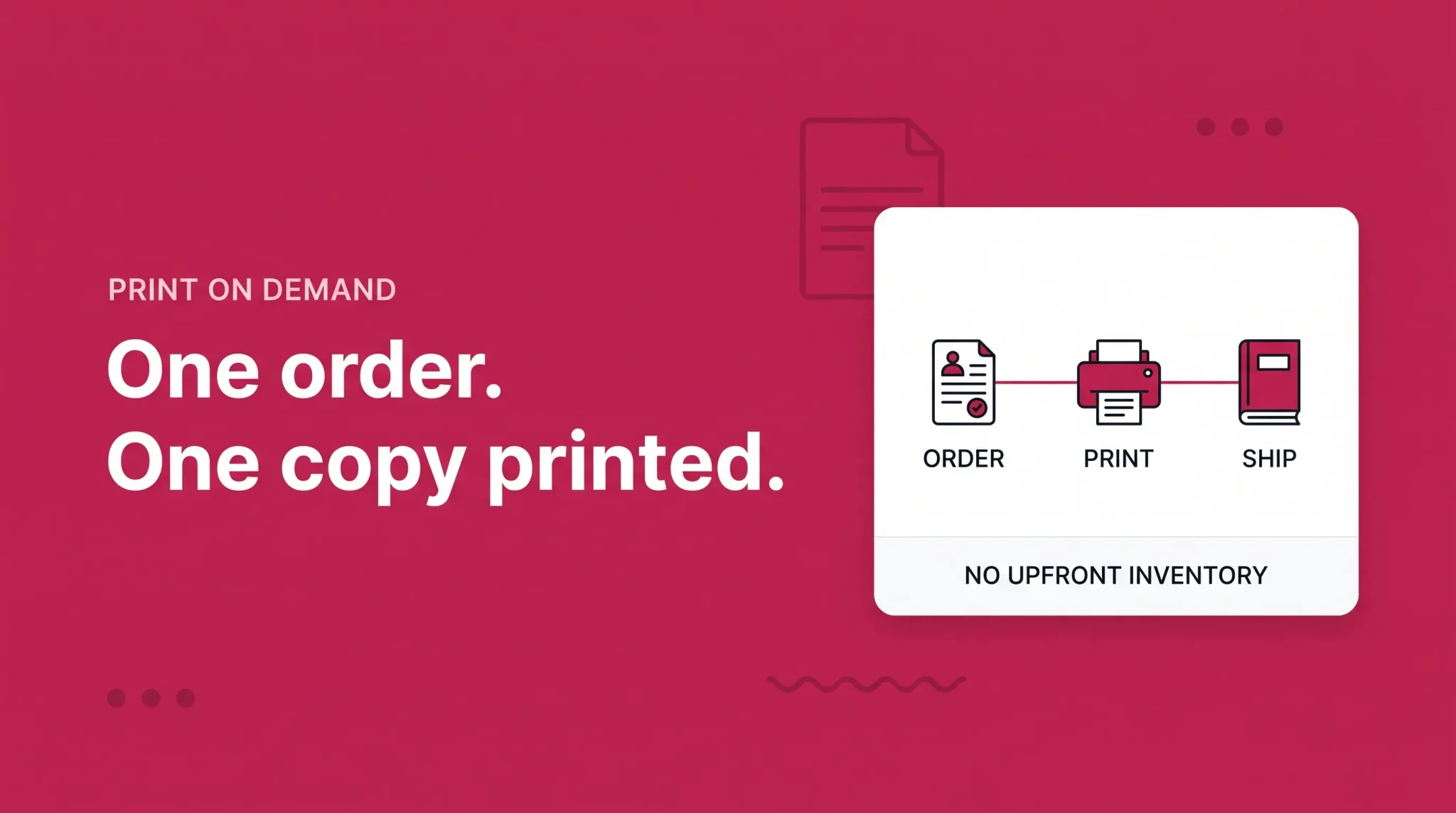
For paperbacks and hardcovers, KDP uses print on demand, and understanding this is the fastest way to grasp why self-publishing became accessible.
Under the traditional model, printing a book meant ordering a print run. You paid for hundreds or thousands of copies upfront, stored them, and carried the risk that they would not sell. Print on demand removes that entirely. No copy of your book exists until a customer orders one. Amazon then prints that single copy and ships it.
Amazon's own description is direct on the financial point: KDP prints your book on demand and subtracts your printing costs from your royalties, which means you do not pay any costs upfront or carry any inventory.
Three consequences follow, and beginners tend to miss the second and third.
The printing cost comes out of your royalty on every sale, permanently. It is not a one-time setup fee you pay off. A 300-page paperback carries its printing cost on the thousandth copy exactly as it did on the first.
Printing cost is driven mainly by page count and ink type, not by how many you sell. There is no volume discount, because there is no volume. Amazon calculates the cost as a fixed amount plus a per-page amount, with color interiors costing substantially more per page than black ink.
Printing cost also varies by marketplace, because the book is printed in or near the country where it was ordered. The same title can return different royalties in different Amazon stores.
Amazon also lets you order copies of your own book at printing cost, which is how authors get stock for events or personal sales without a print run.
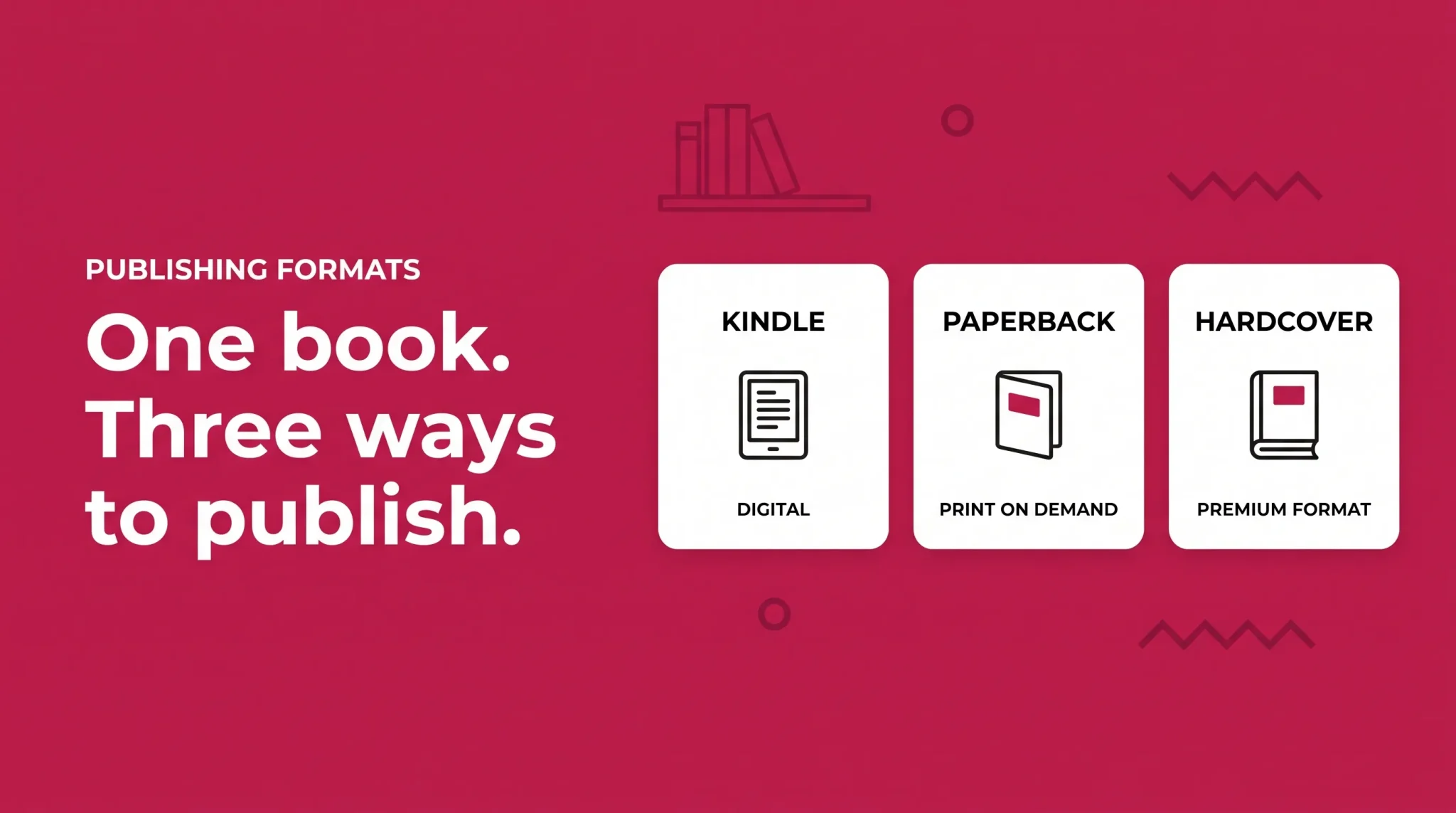
The Three Formats
Kindle ebook | Paperback | Hardcover | |
|---|---|---|---|
What the customer gets | Digital file readable on Kindle devices and apps | Printed softcover book | Printed case laminate book |
Printing involved | None | Print on demand | Print on demand |
Main cost deducted | Delivery fee, on the 70% option only | Printing cost | Printing cost |
Royalty structure | 35% or 70%, by list price | 50% or 60%, by list price and marketplace | 50% or 60%, by list price and marketplace |
File preparation | Reflowable text, cover image | Interior PDF sized to trim, full wraparound cover | Same as paperback with different spine and cover specs |
Availability | Broadest | Broad | More limited by marketplace and specification |
Typical role | Main format for fiction and most nonfiction | The format most print buyers choose | Premium edition, lower volume |
Each format is set up separately in KDP, even for the same book. They are linked on the product page so customers see all editions, but you upload files, set prices, and manage each one individually.
Hardcover availability and specifications are narrower than paperback and have changed over time, so check what is currently offered in your account rather than assuming a specification you read elsewhere still applies.
Setting Up a KDP Account
A KDP account sits on top of an Amazon account, so most people sign in with credentials they already have. The setup work is in what you complete afterward, and a book cannot go on sale until it is done.
Author or publisher information. The name your books are published under, and your contact details. You can publish under your own name, a pen name, or an imprint you create.
Payment details. Bank account information for royalty payments. Available payment methods and currencies vary by country, and Amazon pays royalties on a monthly cycle running roughly two months behind the month of sale.
Tax information. This is the step that stops most first-time publishers. Amazon runs a tax interview inside KDP that determines what withholding applies to your royalties. Requirements differ substantially depending on where you are tax resident and whether your country has a relevant tax treaty with the United States. Publishers outside the US frequently need a tax identification number to claim treaty benefits, and completing the interview incorrectly can mean withholding you did not need to pay. Work through the interview carefully and take professional advice if your situation is not straightforward.
Verification. Amazon may request identity or account verification, and what is required varies by country and circumstance.
None of this costs anything. It just has to be accurate, because errors here surface later as payment problems rather than as immediate error messages.
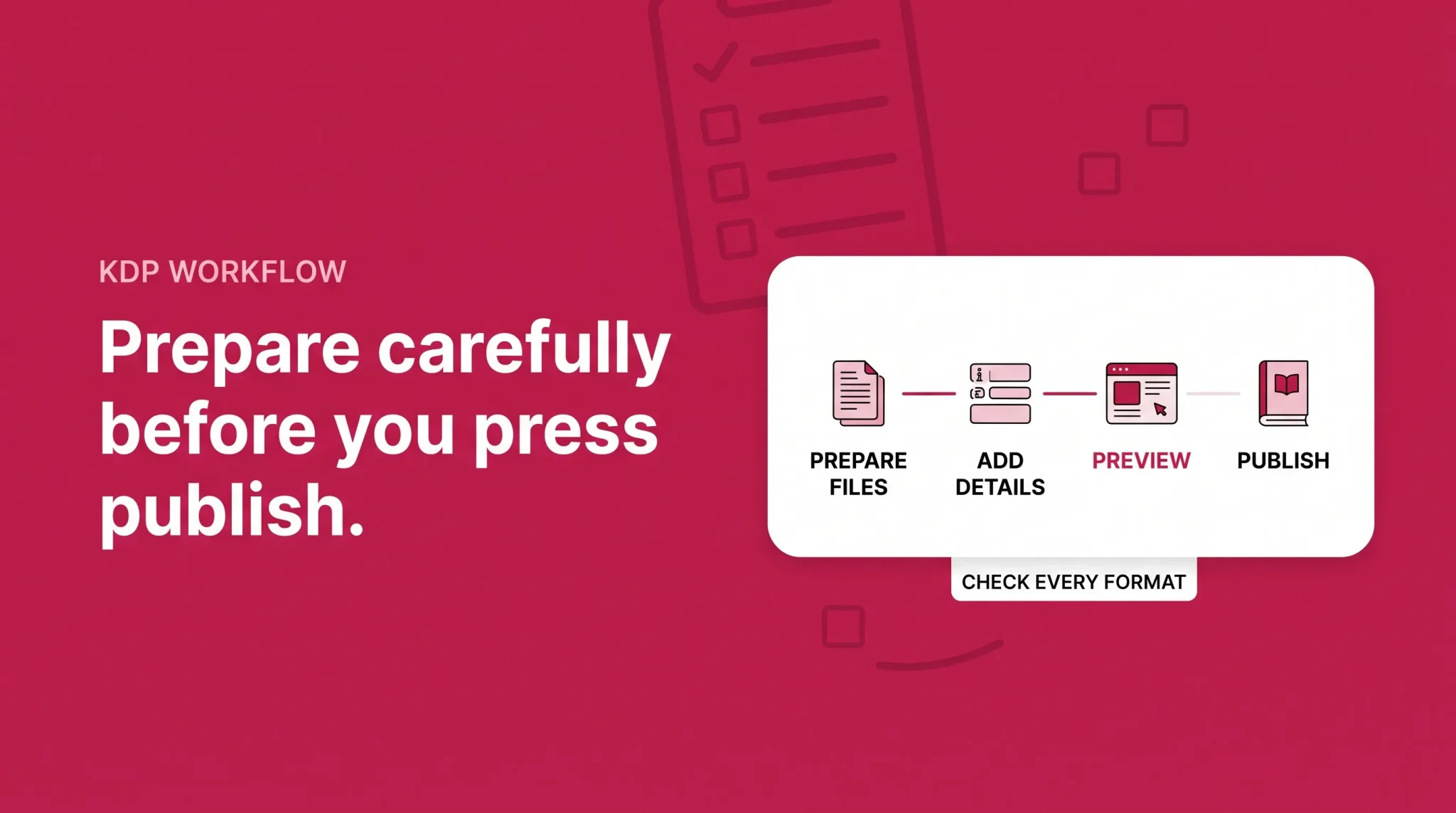
The Publishing Workflow, Step by Step
Amazon has adjusted interface labels and the order of some screens over time, so treat the following as the shape of the process rather than an exact click path. What each step asks for has been stable.
1. Prepare the manuscript. Finish writing, editing, and formatting before you open KDP. The platform is a publishing tool, not a writing tool.
2. Prepare the cover. Either upload your own design or use Amazon's cover creator. Print covers must be built to the exact dimensions your page count and trim size produce.
3. Create a new title. From your Bookshelf, choose the format you want to publish first. Most publishers start with the ebook or the paperback.
4. Enter book details. Title, subtitle, series information, author and contributor names, description, publishing rights, keywords, categories, language, and age range where applicable.
5. Upload content files. The manuscript file and the cover file. KDP lists the currently supported file types on its help pages, and these have changed over the years, so check the current list rather than working from an older guide.
6. Preview the book. KDP provides a previewer showing how the book will appear to readers. For print, it also flags issues with margins, bleed, and cover dimensions. Do not skip this. It catches most of the problems that would otherwise reach customers.
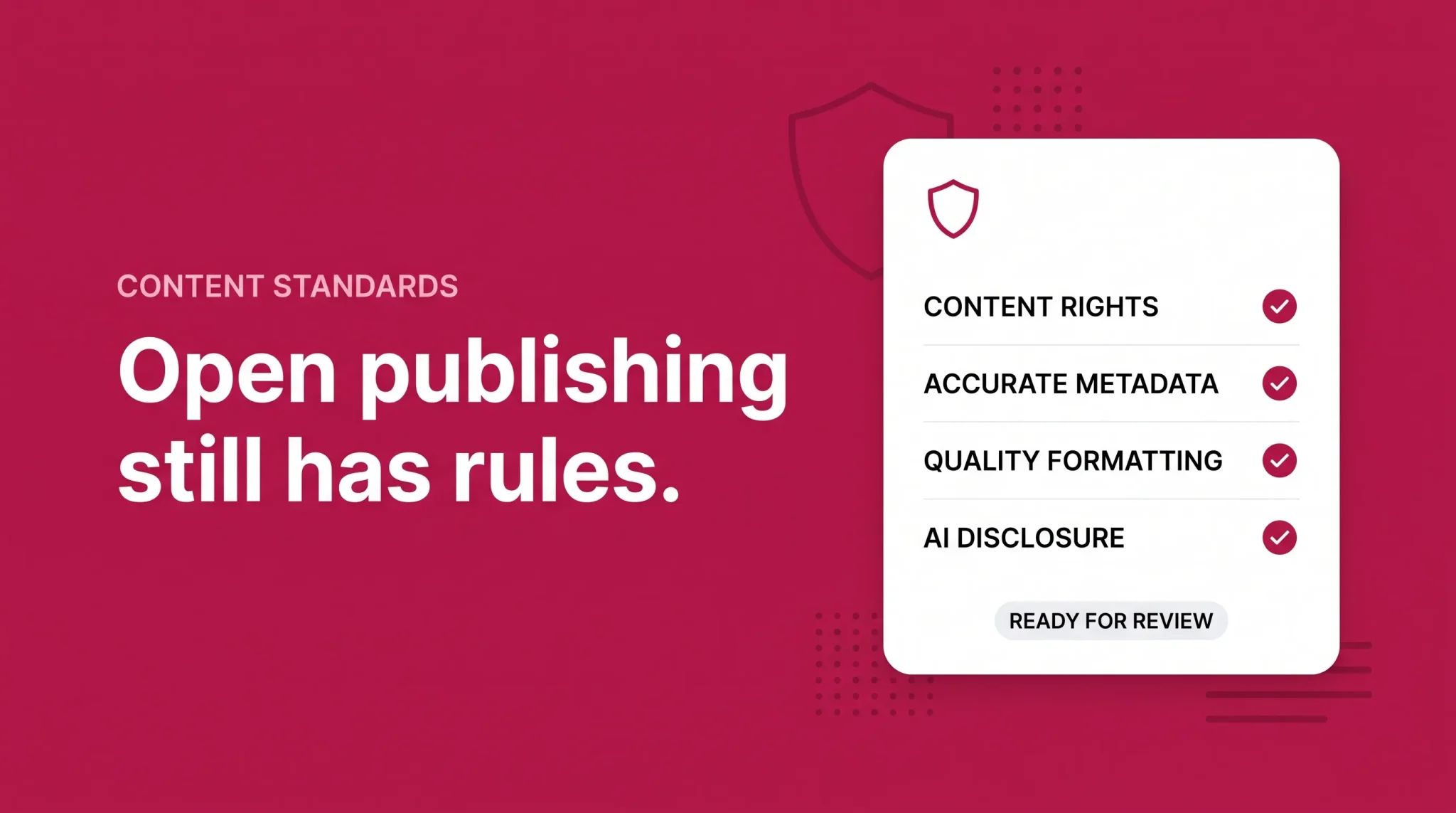
7. Answer the content questions. This includes the AI content disclosure, covered below.
8. Set rights and territories. You declare whether you hold worldwide rights or rights in specific territories only. This is a legal declaration, not a marketing preference.
9. Set pricing and royalty options. For ebooks you choose between the 35% and 70% royalty options. For print you set a list price and KDP shows the resulting royalty after printing cost.
10. Submit for review. Amazon reviews the book before it goes live. Review times vary, and a first submission sometimes comes back with a problem to fix.
11. Manage the title from your Bookshelf. This is where you edit details, view sales reports, manage promotions, and handle each format.
12. Update the book where Amazon allows it. You can revise the manuscript, cover, description, keywords, categories, and pricing after publication. Some elements are harder to change once set, so decisions that feel provisional at setup are worth making properly the first time.
Manuscript, Cover, and Formatting Basics
The gap between a manuscript and a publishable book is larger than most first-time publishers expect, and it is where the majority of quality complaints originate.
Manuscript preparation. An ebook is reflowable: readers change the font size and the text rearranges, so fixed page layouts do not survive. A print interior is the opposite, a fixed layout built to an exact trim size with margins wide enough that text does not disappear into the spine. The same manuscript needs different treatment for each.
Front and back matter. Title page, copyright page, table of contents, and whatever the book needs at the end. A functioning table of contents matters more in an ebook than in print, because it is a navigation tool rather than a courtesy.
Cover requirements. An ebook cover is a single front-facing image. A print cover is one wraparound file covering back, spine, and front, where the spine width is calculated from your page count and paper type. Get the page count wrong and the entire cover is wrong. Amazon provides templates and a calculator for this.
Previewing. Check the previewer on more than one screen size for ebooks, and read the print preview page by page. Most formatting failures are visible immediately to anyone who looks.
Common mistakes. Manual page breaks and hand-typed tables of contents that break in reflowable text. Images at screen resolution that print badly. Margins too tight for the page count. Cover text running into the trim edge. And the largest one: publishing before the book has been properly edited, which no formatting can fix.
Book Details and Metadata
Metadata is how readers find the book and how Amazon understands what it is.
Title and subtitle must match what appears on your cover. Subtitles carry real weight in nonfiction, where they usually explain the promise.
Author and contributor names should be consistent across every book you publish, because that is what builds an author page and a back catalog.
Description is your sales copy on the product page. It should tell a reader what the book delivers, not describe your writing process.
Keywords are search terms you supply in a set of fields, describing what your book is actually about so Amazon can surface it to the right readers.
Categories place the book in the browse structure. Choose the categories that genuinely describe the book.
Language and publishing rights are declarations rather than choices.
ISBN. Amazon provides a free ISBN for print formats, or you can supply your own. An Amazon-provided ISBN is tied to that KDP edition, which matters if you plan to print the same edition elsewhere later. Kindle ebooks do not require an ISBN.
One caution. There is a whole genre of advice about gaming categories and keywords to manufacture bestseller badges. Beyond being against the spirit of the rules, Amazon explicitly prohibits descriptive content meant to mislead customers or that does not accurately represent the book. Accurate metadata that describes your actual book is the approach that survives.
Royalties, Pricing, and Costs
Every KDP royalty uses the same shape:
Royalty = (royalty rate × list price) minus costs
For ebooks, "costs" means a delivery fee, and only on the 70% option. For print, it means the printing cost. Everything else is which rate applies.
Ebook royalties
You choose between two options for each Kindle ebook.
The 70% option is available within a specific list price band. Amazon's current terms state that effective July 7, 2026, the 70% royalty option price band on Amazon.com is $2.99 to $12.99, expanded from the previous range of $2.99 to $9.99, with equivalent changes in other KDP marketplaces. Amazon notes that the previous $9.99 maximum had been in place since 2007.
Outside that band, above or below, the 35% option applies. Amazon also notes that no existing book was repriced automatically, so a book already priced between $10 and $12.99 stays on 35% until the publisher changes the setting themselves.
Two further conditions are worth knowing. The 70% option applies to sales in the countries Amazon lists on its pricing page, and Amazon deducts a delivery fee based on file size before calculating the 70%. For a text-only book that fee is trivial. For an image-heavy book it is not, and it can meaningfully reduce what a 70% rate actually returns.
Amazon also restricts the 70% option to in-copyright works. Its terms state that works in the public domain, or consisting primarily of public domain content, are eligible only for the 35% option, unless you add substantial original content or an original translation.
Print royalties
Amazon's current print pricing terms state that royalty rates can be either 50% or 60%, depending on list price and marketplace, and that the calculation is (royalty rate × list price) minus printing costs.
Two things follow from that.
There is a threshold where the rate changes, and it sits at a specific list price in each marketplace. Amazon's own published example on Amazon.com applies the 50% rate at a $9.98 list price. Crossing that threshold changes the rate on every future sale, which means a price set slightly below it can earn substantially less than a price set slightly above it. Check the current threshold for the marketplace where you set your primary price.
There is also a minimum list price, calculated by Amazon as printing cost divided by the applicable royalty rate. KDP will not let you price below it, because your royalty has to cover the cost to print the book.
Print books distributed beyond Amazon's own stores through expanded distribution carry a lower rate, so a book that works at Amazon's rate may not work through that channel.
Format | Rate | What decides the rate | Deducted before you are paid |
|---|---|---|---|
Kindle ebook | 70% | List price inside the current band, in eligible territories, in-copyright work | Delivery fee based on file size |
Kindle ebook | 35% | List price outside the band, or public domain content | Nothing |
Paperback | 50% or 60% | List price relative to the threshold in that marketplace | Printing cost |
Hardcover | 50% or 60% | List price relative to the threshold in that marketplace | Printing cost |
Print, expanded distribution | Lower than Amazon store rate | Channel | Printing cost |
Three hypothetical illustrations
These are illustrations of how the arithmetic works, not typical outcomes or projections. Your own numbers will differ, and KDP shows you the real figure before you publish.
An ebook. A text-only novel listed at $4.99 on the 70% option. Seventy percent of $4.99 is $3.49, minus a delivery fee of a few cents on a small file. The same book listed at $1.99 falls outside the band and earns 35%, roughly $0.70.
A paperback. A 300-page black ink paperback. Using Amazon's published example structure, a printing cost of $1.00 fixed plus 300 pages at $0.012 per page comes to $4.60. Listed at a price in the 60% band, the royalty is 60% of that list price minus $4.60. Listed below the threshold at 50%, both the rate and the resulting royalty drop sharply while the printing cost stays exactly the same.
A hardcover. The same book in hardcover carries a higher fixed printing cost, which is why hardcovers generally need a higher list price to return a comparable royalty. The formula does not change. The cost input does.
The lesson across all three: list price is not income, and the difference between a workable price and an unworkable one is often a dollar or two.
Is Amazon KDP Free?
Yes and no, and the distinction matters.
There is no fee to publish. Amazon does not charge you to open a KDP account, upload a book, or list it for sale. For print, you do not pay for printing upfront; Amazon deducts the printing cost from each sale's royalty.
There are costs deducted from what you earn. Printing cost on every print sale. Delivery fee on every 70% ebook sale. Whatever tax withholding applies to you. These are not fees you are billed for, but they are money you do not receive.
There are optional costs you may choose to pay. This is where the real spending happens, and it is entirely your decision. Editing, which is the item most worth paying for and the one most often skipped. Cover design. Formatting help or software. Your own ISBNs. Advertising. Author copies for events.
So publishing on KDP can genuinely cost nothing. Publishing a book that competes with professionally produced books usually cannot, because editing and cover design are visible to readers whether or not you paid for them.
KDP Select: Optional, Not Required
KDP Select is a separate optional program, and standard KDP publishing does not require it. Plenty of publishers never enroll.
Amazon describes it as a free 90-day program for Kindle ebooks only. Enrolling automatically includes the ebook in Kindle Unlimited, and makes it eligible for Free Book Promotions and Kindle Countdown Deals.
The condition is exclusivity, and it is narrower than people assume. Amazon's terms state that during the enrollment period the Kindle ebook can only be distributed through KDP and public libraries, but you can continue to distribute print, video, audio, or other formats of the title elsewhere. So the exclusivity binds the digital edition, not the book.
Under Kindle Unlimited you are paid from a monthly pool rather than per sale. Amazon states that you receive a share of the current month's KDP Select Global Fund based on how many pages Kindle Unlimited subscribers read in your ebook for the first time. Two implications: your Kindle Unlimited income per book is not fixed and not knowable in advance, and long books earn more per complete read than short ones.
Practical points that catch publishers out. Enrollment renews automatically unless you opt out, so the decision to leave has to be made before a term ends. Amazon's cancellation guidance provides a three-day window from the start of enrollment, after which you contact support or let the term run out.
Why some publishers decline it. If you want your ebook on other retailers, in your own store, or in library systems beyond what Amazon permits, exclusivity is not compatible with that. Authors with an existing audience elsewhere, or a strategy built on multiple retailers, often stay out. Publishers in genres where Kindle Unlimited readership is heavy often find the trade worthwhile. There is no universally correct answer, and it is a decision you can revisit at the end of every term.
Content Rules and Quality Standards
Publishing through KDP is open access, not unmoderated. These are the areas where beginners most often run into problems.
AI content disclosure. Amazon's content guidelines state that you are required to inform Amazon of AI-generated content, meaning text, images, or translations, when you publish a new book or edit and republish an existing one, and that AI-generated images include cover and interior images and artwork. You are not required to disclose AI-assisted content.
The distinction is precise, and it is about who created the content rather than how much you changed it afterward. Amazon defines AI-generated content as text, images, or translations created by an AI-based tool, and states that this classification applies even if you applied substantial edits afterwards. AI-assisted means you created the content yourself and used AI tools to edit, refine, error-check, or otherwise improve it, or to brainstorm ideas that you then wrote yourself. Amazon states it is not necessary to inform them of that kind of use.
So a chapter drafted by a tool and then heavily rewritten is still AI-generated. A chapter you wrote and then ran through a grammar tool is AI-assisted. An AI-generated cover on an entirely human-written book is AI-generated content in the images category. Amazon also states you remain responsible for verifying that AI-generated and AI-assisted content complies with all content guidelines, including reviewing and editing outputs to confirm the tool did not create content based on copyrighted works.
Public domain content. Permitted, with conditions, and it affects your royalty option as noted above.
Copyright and trademark. You are declaring that you hold the rights to what you publish. Publishing someone else's work, or material built around trademarked properties, is the fastest route to removal.
Misleading content and metadata. Amazon states that books should provide a positive customer experience, and that descriptive content meant to mislead customers or that does not accurately represent the book's contents is not allowed.
Quality. Books can be removed for poor customer experience. Garbled text, broken formatting, and content that does not deliver what the description promised all fall under this.
Account enforcement. Consequences escalate from a blocked title to removal to account-level action for repeated problems.
What Actually Determines Earnings
This is where most KDP content becomes unreliable, so here is the honest version.
Amazon does not publish data on what typical KDP publishers earn, and no one else has a credible dataset either. The people publishing income figures are almost always selling a course, a tool, or a service, and the sample of publishers who report results is heavily self-selected toward those with something to report. Any specific monthly figure you encounter should be treated as marketing.
What genuinely moves the outcome:
Whether the book is good. Not a platitude. Reviews, returns, read-through in a series, and word of mouth all follow from quality, and no amount of metadata compensates for a book readers do not finish.
Whether anyone wants it. Demand for the subject or genre exists independently of your book. Writing into a category with real readership is different from writing into one you assumed existed.
Pricing. Both the royalty band you land in and what readers in your category expect to pay.
Competition. Some categories are crowded with established authors and heavy advertising. Others are not.
Reviews. Early reviews affect conversion more than almost anything else on the page.
Marketing. Amazon shows books to people already searching. Bringing new readers is your job, whether through advertising, an audience you already have, or slower organic growth.
Format mix. Offering ebook and print widens the buyer pool.
Back catalog. This is the largest factor most beginners underestimate. Publishers who earn meaningfully from KDP generally have several books, not one. Each new title makes the earlier ones more discoverable, which is a compounding effect a single book cannot produce.
Advertising spend. Optional, and it is a real cost that has to be measured against real royalties rather than assumed to pay for itself.
Treat a first book as the thing that teaches you the process. Judging the whole opportunity on one title, published before you understood the mechanics, gives you almost no useful information either way.
A Beginner's Path Through KDP
Choose a book idea and check that readers for it actually exist
Write the manuscript, then edit it properly, ideally with another set of eyes
Prepare formatting for the format you are publishing, ebook and print differ
Create or commission a cover that holds up next to others in your category at thumbnail size
Set up the KDP account and complete the tax interview and payment details carefully
Create the title and enter accurate, honest metadata
Upload files and use the previewer thoroughly on every format
Answer the content questions truthfully, including the AI disclosure
Set rights, territories, and pricing with the royalty thresholds in front of you
Publish, and expect a review period before the book is live
Monitor sales, reviews, returns, and royalty reports rather than checking rank
Fix what the data shows is wrong, then apply it to the next book
The step people skip is editing, and it is the one that determines nearly everything downstream.
The mechanics of KDP are learnable in an afternoon. The parts that decide whether a book earns anything are the parts that happen before you ever open the platform: whether the book is worth reading, whether readers for it exist, and whether it is priced where the royalty math works. If you are weighing publishing as part of a wider business and want a second opinion on the commercial side, book a free strategy call.
Frequently asked questions
Yes. There are no fees to publish. Amazon deducts printing costs and pays you the rest as royalties.