Bilal Siddiqui
You are looking for a reliable listing tool feature checklist. Buying software for your Amazon business takes time and careful thought. You do not want to waste money on platforms that slow down your daily operations.
This buyer guide listing tools framework will help you cut through the marketing noise. When you choose listing optimization tool subscriptions, you must separate core functions from useless add-ons.
I will show you exactly what must have listing features you require to succeed. We will also examine listing qa tool features to keep your account safe from suspensions.
Whether you are a solo seller or managing a large team, this checklist becomes your purchase requirement document. Let us begin.
Must-Have Vs Nice-To-Have, Defined In One Page
You must define your exact needs before you look at software pricing. Do not pay for modules you will never open.
What Qualifies As A Must-Have
A feature is mandatory if your daily process breaks without it. If you build copy daily, an Amazon keyword tool is a must-have. If you monitor visibility, an Amazon keyword tracker is a must-have. You cannot optimize products effectively without these baseline Amazon SEO tools.
What Is Optional By Context
Certain tools connect to the Amazon Vine Program or offer Amazon DSP reporting. If you do not run ads or use Vine, you do not need those connections. Similarly, Amazon stock alerts are nice, but they are optional if you already use a separate inventory system.
How To Avoid Feature Vanity
Software companies love to sell complex dashboards. Do not buy a tool just because the graphics look impressive. Write down your actual workflow. Compare the software strictly against your required Amazon FBA tools list.
SEO Essentials Checklist For Visibility Work
Your product cannot sell if shoppers cannot find it. Your tool must support your core Amazon SEO services.
Keyword Research Support Level
The software should function as an effective Amazon keyword finder. Tools like Keyword Tool Dominator or DataDive do this by grouping search terms logically. You need to know real search volume and competitor density.
Rank Tracking Compatibility
You must track where your product ranks after you update the text. The software must plot your keyword positions over time. This data proves whether your Amazon listing optimization efforts are working.
Indexing Verification Support
If Amazon does not index your target keywords, your rank is zero. Your tool must check indexing status automatically. The best software uses the Amazon SP-API to confirm that the search engine recognizes your text.
Content QA Checklist For Safer Publishing
Errors in your copy will cost you sales. You need strict listing qa tool features.
Field Length And Formatting Checks
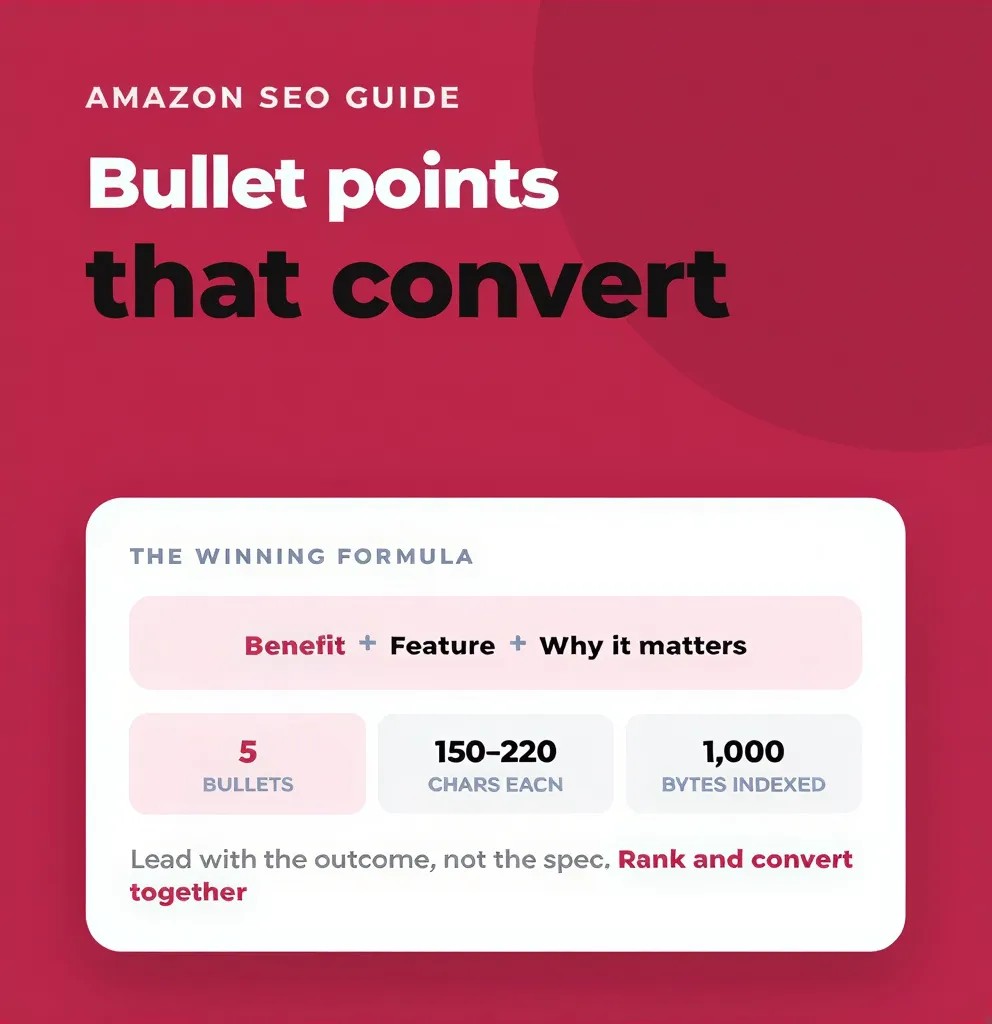
Amazon has strict byte limits for titles and bullet points. The tool must warn you if you exceed these limits. It should block you from publishing broken formatting.
Duplicate Detection And Cleanup
You do not want to repeat the same search term ten times. Keyword stuffing harms readability. The software should highlight duplicate words so you can delete them.
Consistency Across Variants

If you sell shoes in different colors, the sizing format must be identical across all variations. The tool should check your entire catalog for text consistency.
Compliance And Risk Flags Checklist
Account suspensions happen when you use forbidden words. Your software must protect your business.
Risk Term Detection Behavior
Pesticide claims or restricted words related to Amazon ungating processes will trigger immediate warnings from Amazon. Your software must scan your drafts and flag dangerous words before you upload anything.
Rule Customization Options
You might have specific brand rules. For example, your Amazon B2B division might require specific warranty language. You must be able to add custom rules that the software enforces.
Evidence Output For Reviewers
If Amazon Vendor Central rejects your listing, you need proof of what you submitted. The software must generate a report showing your text was compliant at the time of submission.
Creative Workflow Checklist For Teams
Images and text must match perfectly. Your software should bridge the gap between writers and designers.
Briefing And Feedback Loops
Writers must leave notes for graphic designers. The software should have a dedicated space to request specific claims on the main images.
Asset Storage And Reuse
You do not want to lose your premium lifestyle photos. The tool should store assets reliably, similar to how SellerApp or Jungle Scout store market data.
Review Routing Support

When a draft is ready, the system must notify the manager automatically. The workflow must move from draft to review without needing a separate email.
Collaboration And Permissions Checklist
Multiple people touching a listing creates chaos. You must control who can edit your copy.
Role-Based Access
Your Amazon Virtual Assistant should have different permissions than your lead strategist. The software must allow you to restrict access by user role.
Approval Steps And Sign-Off
No one should publish a listing without a final check. The system must require a manager to click an approval button before the data goes to Amazon.
Activity Logs By User
If a new user alters your Amazon pricing strategy by mistake, you must know who did it. A complete Audit Trail is not optional. It is mandatory for team accountability.
Change Log And Rollback Checklist
Sometimes an update performs poorly. You must be able to undo your work fast.
Track Edits By Field
You must see exactly what changed. Did the user rewrite the title, or did they only adjust the fourth bullet point? The log must be highly specific.
Compare Versions And Diffs
The software should display the old text next to the new text. This visual comparison helps you understand why conversion rates shifted.
Restore Previous Copy Safely
If your sales drop after an update, you must revert to the old version immediately. The software should have a one-click restore button.
Bulk Operations Checklist For Scaling
Editing one listing is easy. Editing five hundred listings requires industrial tools.
Batch Edits And Safeguards
You might need to update a brand name across fifty products. The tool must allow batch edits. However, it must also have safeguards to prevent you from deleting vital keywords by mistake.
Import/Export Structure
Working with Amazon flat files is difficult. The software should simplify bulk uploads. It should handle complex tasks like applying an Amazon GTIN exemption across a new product line.
Error Handling And Validation
When an upload fails, Amazon provides confusing error codes. Your software must translate those codes into plain English so you can fix the problem.
Reporting And Export Checklist
You must report your progress to stakeholders or clients regularly.
Weekly Summaries And Annotations
The tool should generate a weekly summary of changes. It should overlay your text updates with data from your Amazon sales estimator to prove impact.
Exports For Clients And Stakeholders
You must be able to download clean PDF or CSV files. Stakeholders need to read the new copy without logging into the software.
Dashboard Sharing Controls
Sometimes you want to show live data. Software like Sellerboard, SellerSprite, or ZonGuru often provides ways to share specific dashboard views securely.
Role-Based Priorities So You Buy The Right Thing
Different businesses need different tools. Focus on your specific operational bottlenecks.
Solo Seller Priorities
If you work alone, you do not need complex approval chains. You need speed. Prioritize an Amazon FBA tool that combines keyword research, text building, and direct publishing in one screen.
Brand Team Priorities
Brands must protect their image. If you manage a brand, prioritize role-based access, change logs, and compliance checks for Amazon Global Selling requirements.
Agency Priorities
An agency workflow demands scale. Agencies must prioritize multi-account management, client export portals, and strict review routing support.
💡 PRO TIP: OUTSMART YOUR COMPETITION
Generate Compliant Listings With Your Exact Brand Voice
Do not settle for generic AI text. Flairox Listings takes your Amazon URL and your brand website to generate highly optimized, Amazon-compliant titles and bullets. The software identifies your top 5 direct competitors, builds a complete keyword research table showing your exact rank gaps, and writes copy that matches your unique brand tone.
Claim Your 2 Free Listing Optimizations Now →
Frequently asked questions
A minimum viable tool must have keyword tracking, character limit validation, and direct publishing capabilities. It must also verify that Amazon successfully indexed your keywords. Without these basic functions, the software is just a simple text editor.