Bilal Siddiqui
Amazon SEO strategy is not just about adding keywords to a listing. In practice, it is the system that helps the right product show up for the right query, earn the click, and convert that visit into an order. Amazon itself describes search engine optimization as improving product and brand visibility in Amazon search results through keyword research, search terms, titles, descriptions, photos, and pricing. It also notes that shoppers compare reviews, price, shipping options, and other factors on the results page.
That is why a good amazon seo strategy has to balance three things at once: visibility, relevance, and conversion. If you only chase visibility, you can attract the wrong traffic. If you only focus on copy, you may never rank on Amazon for meaningful terms. And if you only think about ranking without fixing the offer, your gains usually do not last.
The Amazon SEO System In One Page
A simple beginner mental model is this:
Discoverability: Can Amazon connect your ASIN to the searches that matter?
Relevance: Does your listing clearly match what the shopper means?
Conversion: Once the shopper lands, does the offer look good enough to win the sale?
These three parts feed each other. Better discoverability gets you impressions. Better relevance gets you qualified clicks. Better conversion helps those clicks turn into sales, which is the real outcome Amazon cares about. Amazon's own guidance on SEO mixes keyword placement with images, pricing, and offer quality for exactly this reason.
If you are new, think of the job in order:
Get indexed for the right language.
Improve ranking for the right language.
Improve click and conversion once traffic arrives.
Protect and defend those wins over time.
That is amazon search engine optimization in a practical, operator-friendly form.

Keyword Strategy
Amazon keyword research starts with shopper intent, not word collection. Amazon's own keyword guidance separates short-tail terms from long-tail terms: broad one or two word phrases create visibility, while longer phrases are more specific, less competitive, and often closer to purchase intent. It also separates branded and non-branded terms, which is useful because mature brands and new brands need different balances.
A simple way to build your keyword map is:
Primary keywords: the few highest-priority terms that define the product
Secondary keywords: close variants, use-case phrases, attributes, and synonyms
Exclusions: noisy, irrelevant, or misleading terms you should not target
For example, if you sell a stainless steel water bottle, "water bottle" may be the broad visibility term, while "insulated stainless steel water bottle" and "leakproof metal water bottle for gym" are stronger relevance and purchase-intent terms.
The big mistake is treating all keywords equally. Broad terms can help you rank on Amazon for large traffic pools, but they are often too competitive or too vague to carry the whole strategy. Long-tail terms usually give cleaner intent and clearer conversion paths. That is why a strong amazon seo optimization plan mixes head terms with specific purchase language instead of stuffing the same root word everywhere.
Where should those keyword ideas come from?
Amazon search behavior itself
Competitor listings in your exact subcategory
Customer reviews and Q&A language
Brand Analytics if you have access
Sponsored Products search term reports if you run ads

Amazon Brand Analytics is especially useful because the Search Query Performance dashboard shows query volume, impressions, clicks, cart adds, and purchases, while the Top Search Terms dashboard shows what keywords customers use, plus the top clicked products, categories, and brands for those terms. Amazon positions both dashboards as inputs for SEO strategy.
If you run Sponsored Products, Amazon Ads also recommends using automatic campaigns and search term reports to learn how your product is being discovered and to identify keywords worth promoting in manual campaigns. That matters for SEO because paid search data can expose useful query language before your organic data is rich enough.
A practical rule:
Use broad terms to understand category demand
Use specific terms to build conversion-focused visibility
Use real query data to decide which terms deserve front-of-listing placement
And be strict about noise. Amazon says backend search terms should include synonyms, abbreviations, and alternative names, but avoid redundant or irrelevant terms. It also warns that prohibited search terms can be removed and that violations can suppress an ASIN.
Relevance Placement
Amazon's own seller guidance points to the same core fields over and over: title, bullet points, product description, and backend search terms. It also explicitly says you can use keywords in product titles, descriptions, bullet points, and backend fields.
Here is the right way to think about placement:
Title
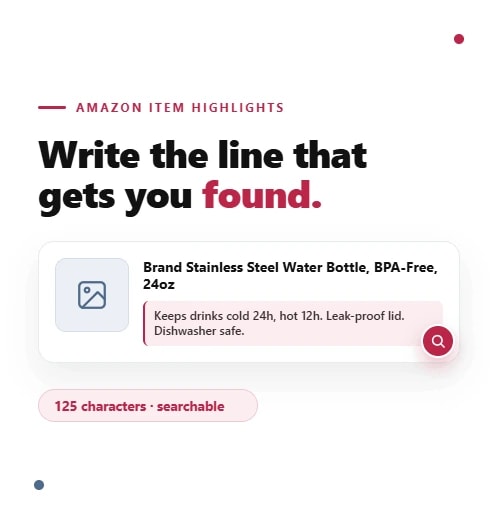
Your title carries the most obvious relevance signal because it is the first thing shoppers see and one of the clearest ways Amazon understands what the item is. Amazon's title guidance says titles must clearly and concisely describe key product information. Official Amazon help snippets also state that titles must not exceed 200 characters, including spaces, subject to category exceptions. Amazon announced additional title controls in January 2025, including a limit of using the same word no more than twice in most cases.
Bullet points
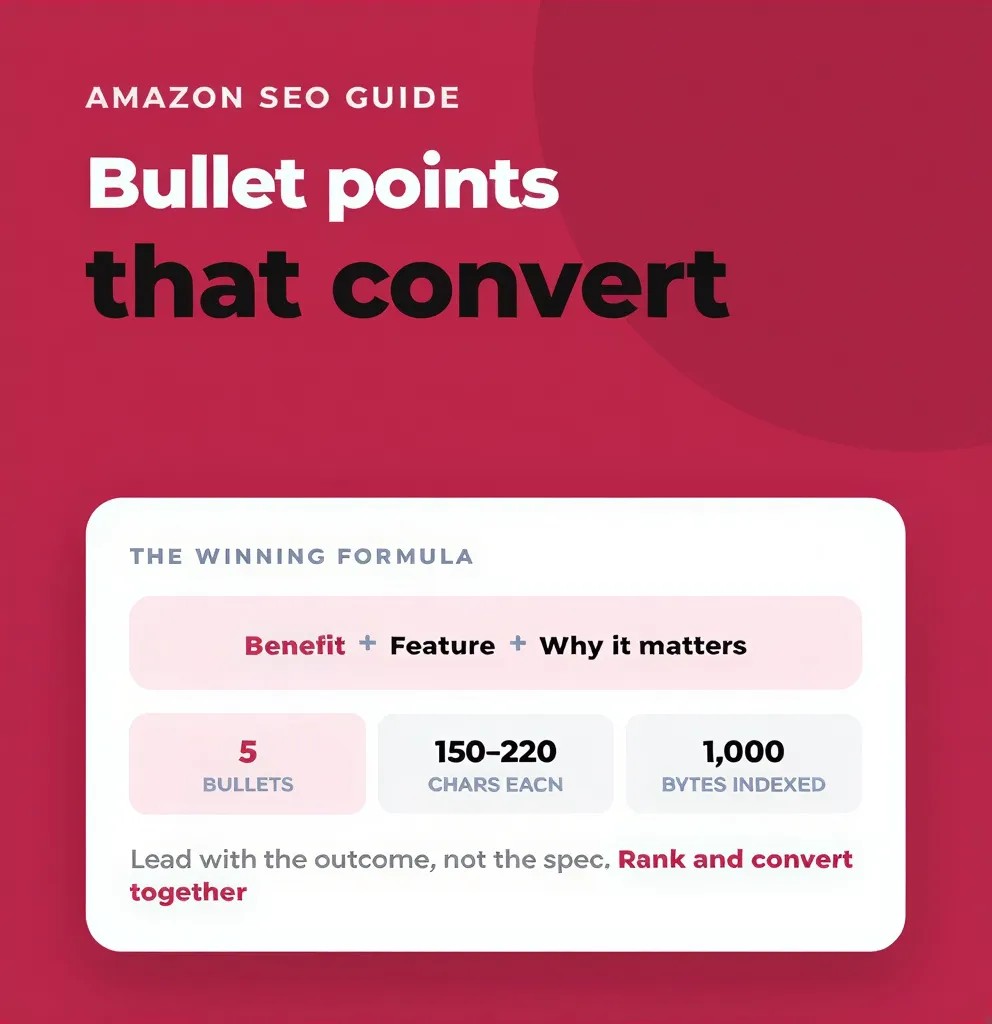
Bullet points help you expand relevance without turning the title into a dump of fragments. Amazon recommends highlighting key features in bullets, and its own SEO guidance says bullet points are a place to explain value while still supporting discoverability.
Description
The description gives you room for fuller context, use case, and secondary phrasing. It is usually where you can improve relevance depth without damaging readability. Amazon's listing guidance includes descriptions as part of the field set where keywords can be used naturally.
Backend search terms
Backend or generic keywords are your spillover field. Amazon says these terms are not visible to customers but can still help a product rank for specific searches. It also says to use this space for keywords that do not fit naturally elsewhere, including synonyms, abbreviations, and alternative names, while avoiding redundant or irrelevant terms. Amazon's help snippets state that generic keywords should be less than 250 bytes, and if they exceed the limit, the attribute can be ignored by Amazon Search.
This is where the difference between coverage and stuffing matters.
Coverage means:
the main customer intents are represented
the important attributes are represented
close variants are represented
the copy still reads like it was written for humans
Stuffing means:
repeating the same root term again and again
forcing unrelated search terms into visible copy
adding traffic terms with weak purchase relevance
using backend fields as a junk drawer
Good amazon listing optimization is not about maximum keyword count. It is about maximum useful coverage with minimum waste.
Indexing And Visibility Checks
Indexing and ranking are not the same thing.
If a listing is indexed for a term, Amazon can associate that ASIN with that query. If it ranks, it actually appears in meaningful positions for that query. A product can be indexed but buried. A product can also fail basic discoverability because something is wrong with the listing itself.
Amazon's own search optimization help says the section exists to identify and resolve issues that prevent ASINs from appearing in Amazon search results. Seller Central guidance also points sellers to search-suppressed listings and suppressed listing reports when discoverability breaks.
When a product is not showing for an important term, check in this order:
Is the listing active and buyable?
Amazon notes that a common reason for an unsearchable ASIN is a future launch date, meaning the product is not yet available to buy.
Is the listing suppressed or inactive?
Check Search Suppressed and inactive listing tools first. Amazon specifically directs sellers there for title suppression and related issues.
Are the important terms actually present in the right fields?
Start with the title, bullets, description, and generic keywords. Do not assume indexing just because a term exists in one hidden field.
Are you using prohibited or irrelevant search terms?
Amazon says prohibited search terms can be removed and can even put the listing or account at risk.
Is the problem indexing or ranking?
If the term is covered but the product still does not get meaningful visibility, you may not have a placement problem. You may have a competition, offer, or conversion problem.
A practical visibility test is simple:
choose 10 to 20 important terms
verify whether you are indexed
verify whether you appear meaningfully
separate "not findable at all" from "findable but weak"
That one distinction saves a lot of wasted edits.
💡 Pro Tip: Automate Your Relevance
Outrank Your Top 5 Direct Competitors
Stop guessing which keywords matter. Flairox Listings analyzes your exact product competitors to find missing high-intent keywords. It automatically detects your brand tone from your website to write Amazon-compliant titles, bullets, and descriptions with zero keyword stuffing.
🎁 Special Offer: Your first 2 listing optimizations are completely free.
Try Flairox Listings for Free →
Conversion As The Multiplier
This is where many beginners misunderstand amazon search optimization. Keywords get you considered. Conversion keeps you competitive.
Amazon's own SEO content does not talk about keywords in isolation. It mixes titles, descriptions, bullet points, backend terms, photos, and pricing. Its search results explanation also makes clear that shoppers compare offers on factors like reviews, price, shipping options, and delivery filters. Amazon Ads best practices similarly stress featured offer status, competitive pricing, and in-stock availability because these affect whether shoppers click and buy.
So when traffic is present but sales are weak, fix conversion before you keep rewriting keywords.
Usually the first areas to check are:
main image strength
title clarity, not just keyword inclusion
price position versus top competitors
review quality and volume
in-stock status and offer health
bullet points that answer real buyer objections
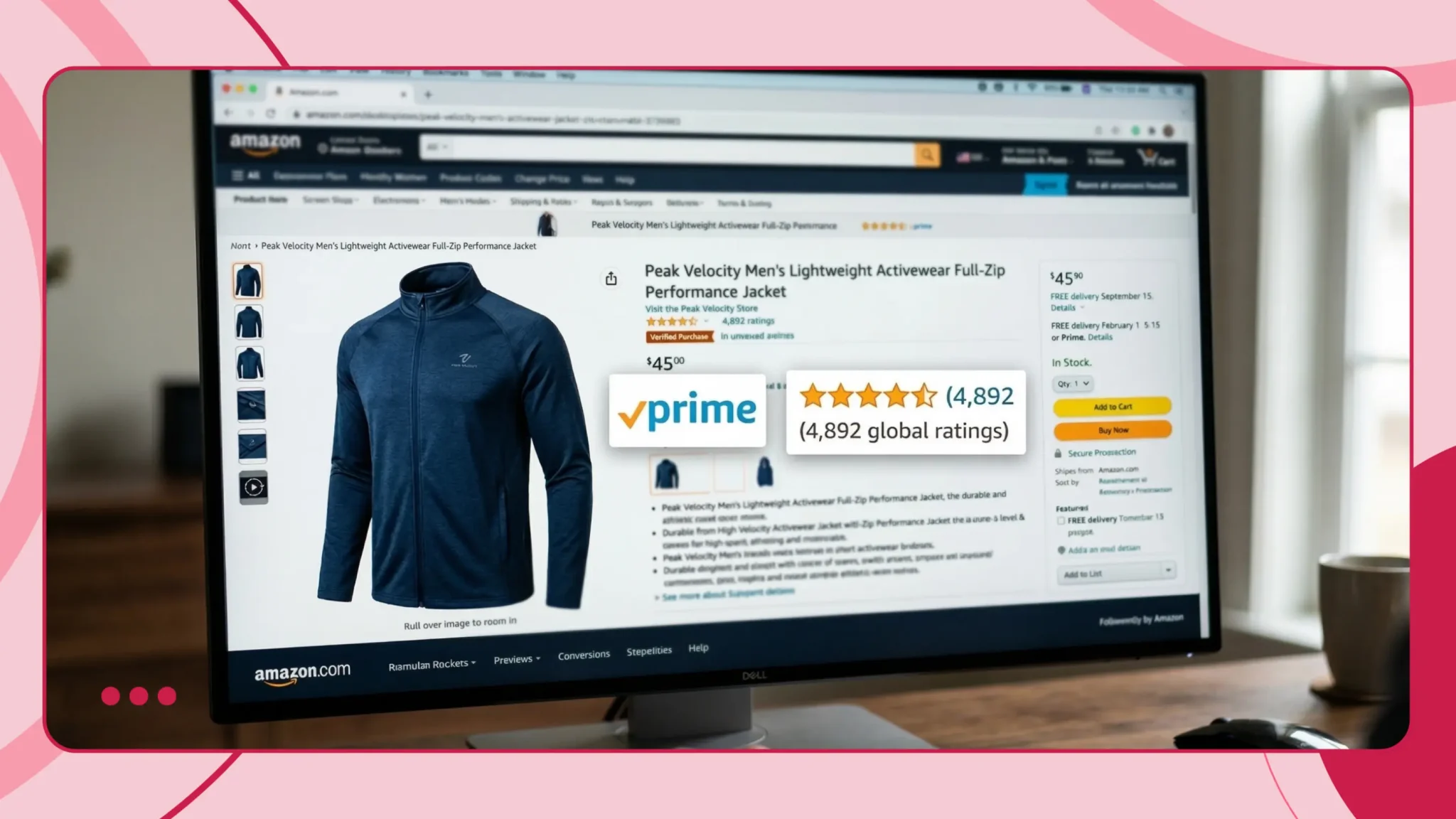
You do not need to claim secret algorithm knowledge to see the pattern. Amazon's own materials repeatedly tie search improvement to sales outcomes and advise sellers to improve the total offer, not just text fields. That is the practical reason conversion acts like a multiplier for SEO work.
Iteration Cadence
Amazon SEO is not a one-time rewrite. It is a weekly operating loop.
Use this cadence:
1. Snapshot
Record where you are now:
target keywords
current ranking visibility
sessions or impressions
clicks if available
orders or conversion
offer condition
current title, bullets, backend terms
2. Hypothesis
Make one clear bet.
Examples:
"This title is too broad and not aligned with the main buying intent."
"We are indexed, but the main image is hurting clicks."
"The listing is attracting generic traffic but missing high-intent long-tail terms."
3. Change
Change one meaningful cluster, not everything at once.
4. Verify
Recheck indexing, visibility, click behavior, and sales response.
5. Learn
Keep a change log. Without one, you will forget what improved performance and what broke it.
A simple amazon seo checklist for the weekly loop:
Check suppressed and inactive listings
Review top queries and top-click terms
Compare current coverage against top converting terms
Inspect the offer: price, stock, reviews, image quality
Make one controlled change per test cycle
Log the exact edit date and field changed
Recheck after enough data accumulates
If you have Brand Registry, this loop becomes much stronger because Search Query Performance and Top Search Terms give you cleaner query and funnel data. If you have Manage Your Experiments, you can test titles, images, bullets, descriptions, and A+ content instead of guessing.
Advanced Defense For Mature Listings
Once a listing ranks well, the job changes. Now you are protecting a position, not just climbing.
Three common threats show up on mature listings:
1. Competitor pressure
New entrants may target your main terms, undercut price, or improve image and review strength. Your response should start with query-level evidence, not panic edits. Use Search Query Performance and Top Search Terms to see whether you are losing impressions, clicks, or purchases on specific queries.
2. Keyword drift
Sometimes a listing still performs, but for the wrong terms. That usually shows up as traffic that looks healthy while conversion softens. Re-center the title and bullets around the terms that actually drive qualified purchases, not just impressions. Search term reports from ads can help surface new purchase language before it is obvious in organic reporting.
3. Bad edits and catalog instability
Mature listings often lose rank because someone changes too much too fast. Brand Registry can help increase listing accuracy, and Amazon says associated sellers within the brand can control standard listing updates more tightly after enrollment. If incorrect information appears on a detail page, Amazon directs sellers to Account Health - Report Abuse.
The safest mature-listing playbook is:
diagnose the exact query loss
do not rewrite the whole listing because one term slipped
test high-impact elements first
preserve what still converts
escalate true catalog abuse through the tools Amazon provides
Advanced defense is mostly discipline.
Common Mistakes
Chasing broad vanity terms before earning relevance on specific purchase terms
Repeating the same root keyword again and again instead of improving coverage
Writing titles for the algorithm instead of the shopper
Ignoring backend search terms completely
Using irrelevant or prohibited search terms just to grab traffic
Changing title, bullets, images, and price at the same time
Trying to solve a conversion problem with keyword edits only
Ignoring suppression, inactive status, or launch-date issues
Failing to keep a baseline and change log
Treating PPC data and SEO data as separate worlds
Reacting to every small ranking wobble with a full rewrite
Forgetting that mature listings need protection, not constant reinvention
Amazon's own rules on title length, repeated words, generic keyword limits, and suppressed listings make several of these mistakes avoidable from the start.
Frequently asked questions
No. Keywords matter, but Amazon's own guidance combines keyword research with titles, bullets, descriptions, backend search terms, photos, and pricing. On the results page, shoppers also compare reviews, price, and delivery details. So amazon seo strategy is really listing quality plus offer quality.