Bilal Siddiqui
Key takeaways
A good Amazon CTR is above 0.5%; below 0.3% signals a problem. Organic top spots reach 2%–5%, Sponsored Products run 0.3%–1%.
CTR feeds Amazon's ranking flywheel and improves ad efficiency by lowering CPC and ACoS.
Track it in Campaign Manager (paid), Search Query Performance (organic), and Business Reports (funnel).
Your biggest lever is the main image, then title, price and reviews, and PPC targeting.
You're getting impressions. Your product shows up in search, your ads are serving, and your reporting dashboard says thousands of shoppers have seen your listing this week. So why isn't the revenue moving?
The answer is often hiding in one metric: your Amazon click through rate. If shoppers see your product but scroll straight past it, you're paying for visibility (in ad spend or hard-won organic rank) that never turns into a click, let alone a sale. Every impression that doesn't earn a click is money and momentum left on the table.
The good news is that click through rate is one of the cheapest performance levers on Amazon to fix. You don't need a bigger budget; you need a more compelling listing. This guide breaks down what CTR is, what a good click through rate on Amazon actually looks like, where to find yours, and the specific changes that move the number.
What Is Amazon Click Through Rate (CTR)?
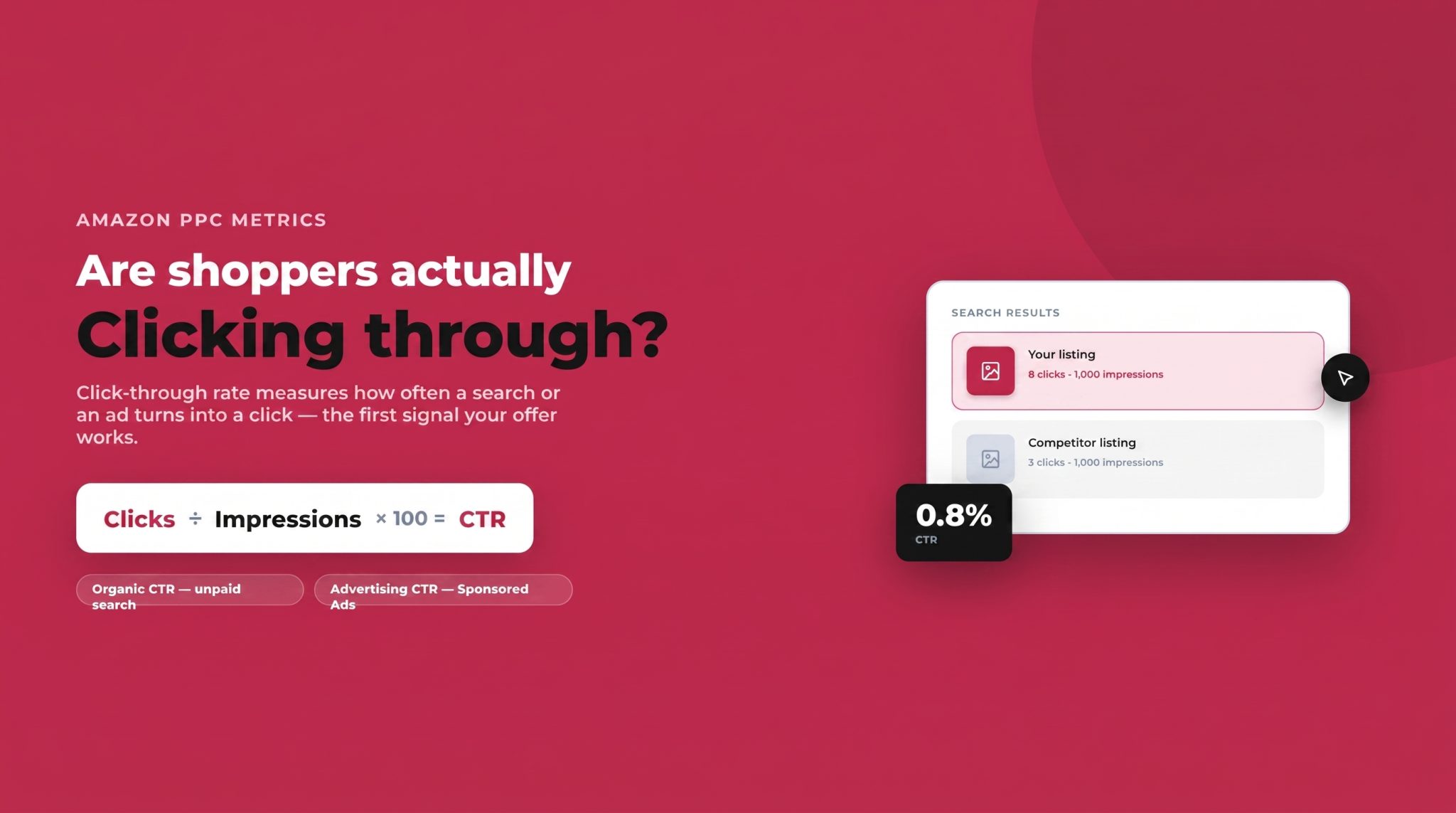
Click through rate is the percentage of shoppers who click on your product after seeing it. The formula is simple:
CTR = (Clicks ÷ Impressions) × 100
If your product appears in 1,000 searches and 8 people click, your CTR is 0.8%. That's it. But the metric shows up in two distinct places on Amazon, and it's important not to confuse them:
Organic CTR measures clicks on your listing when it appears in unpaid search results. It reflects how well your product competes on relevance and appeal against everything else on the page.
Advertising CTR (or Amazon PPC CTR) measures clicks on your Sponsored Products, Sponsored Brands, or Sponsored Display ads. This is the number you'll see inside the Amazon advertising console.
Unlike search engines such as Google, Amazon is a pure buying platform. Everyone browsing is a shopper with intent, which means CTR here is less about curiosity and more about purchase readiness. A click is a signal that your offer cleared the shopper's first mental filter, and that makes the metric unusually powerful.
Why Click Through Rate Matters on Amazon
Amazon's ranking algorithm rewards listings that convert attention into action. Click through rate is one of the earliest signals in that chain, and it feeds a compounding loop often called the flywheel: a strong CTR drives more clicks, more clicks (when your listing converts) drive sales velocity, and higher sales velocity pushes your organic rank up, which earns you even more impressions.
In other words, CTR doesn't just win you one click. It influences how often Amazon shows your product in the first place.
There's a direct financial impact too. On the advertising side, a higher CTR generally lowers your effective cost per click and improves your ACoS and TACoS, because Amazon favors relevant ads that shoppers actually engage with. A weak click through rate means you're burning impressions (and in paid campaigns, budget) on an offer that isn't landing. Improving CTR tightens ad efficiency and boosts organic visibility at the same time, which is why it's one of the highest-leverage metrics a seller can work on.
What Is a Good Click Through Rate on Amazon?
This is the question every seller asks, and the honest answer is: it depends on placement, category, and competition. That said, there are reliable benchmarks to measure yourself against.
Average Amazon CTR Benchmarks
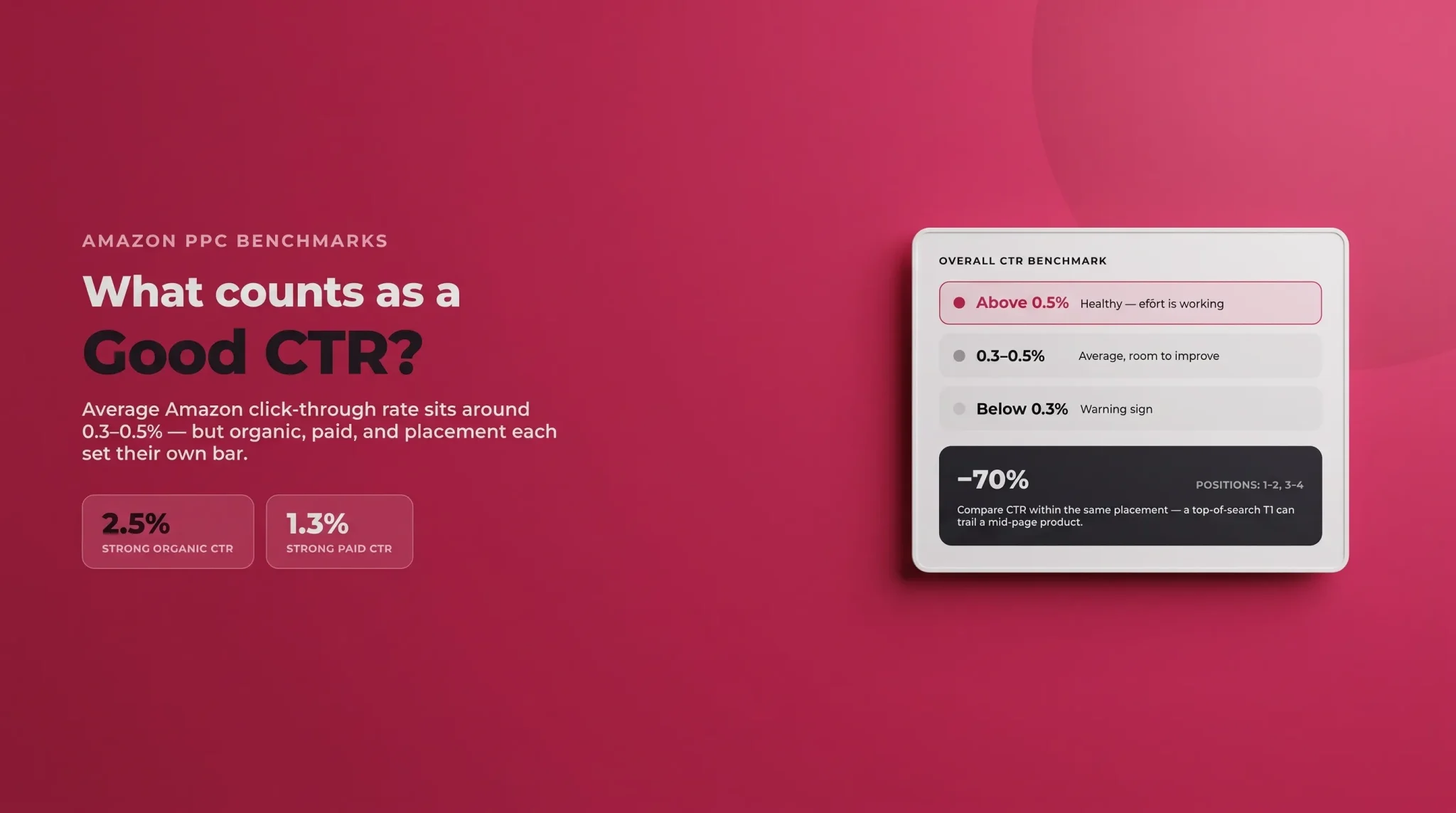
Across all placements and formats, the average Amazon CTR sits at roughly 0.3% to 0.5%. As a rule of thumb:
Above 0.5% is healthy: your price, imagery, and reviews are combining into an offer shoppers find attractive.
Between 0.3% and 0.5% is average, with room to improve.
Below 0.3% is a warning sign that something on your listing is failing the first-impression test.
Organic vs. Sponsored Benchmarks
Organic and paid CTR are not measured against the same yardstick. Organic listings in the top positions for high-intent keywords can pull click through rates of 2% to 5%, with a strong organic CTR sitting around 2.5%. Paid placements consistently trail their organic equivalents; a strong paid CTR is closer to 1.3%.
For Sponsored Products specifically, expect roughly 0.3% to 1% in most cases, with high-performing campaigns on branded keywords or top-of-search placements exceeding 2%.
How Placement Changes the Number
Where you appear matters enormously. Click through rate can drop by more than 70% moving from positions 1–3 down to positions 4–10. So before you conclude your listing is underperforming, check whether you're being compared fairly. A 0.6% CTR in a mid-page slot may be stronger than a 1% CTR at the very top.
A Note on Amazon KDP CTR
Sellers publishing through Kindle Direct Publishing (KDP) often ask what a good click through rate is for books and ads promoting them. The same principles apply (cover imagery, title clarity, and reviews drive the click), but book categories tend to run their own benchmarks, so measure against comparable titles rather than physical-product norms.
Industry-Standard Context
It's worth remembering that Amazon CTR looks low next to broader digital benchmarks. Industry-standard click through rates for general search and display advertising are often quoted higher, but those platforms measure a different kind of engagement. On Amazon, a "small" CTR percentage still represents high-intent shoppers who are one step from buying, so don't judge your Amazon numbers by Google's scale.
How to Find and Track Your CTR in Seller Central
You can't improve what you don't measure, and on Amazon, CTR lives in several different places depending on whether you want paid data, organic data, or the funnel context around it. Here's exactly where to find each one, what it tells you, and how to build a tracking routine that actually surfaces problems.
1. Advertising CTR in the Campaign Manager
This is the fastest place to see click through rate, and it's where most sellers should start.
From Seller Central, open the Advertising menu and select Campaign Manager (Sponsored Products, Sponsored Brands, and Sponsored Display each report separately).
In the campaigns table, make sure the Click-Thru Rate (CTR) column is switched on. Use the column customization icon if you don't see it. Amazon shows it alongside impressions, clicks, spend, CPC, orders, and ACoS.
Set your date range in the top-right. Look at a rolling 7-day and 30-day window rather than a single day, which is too noisy to act on.
The real insight comes from drilling down. Click into a campaign, then into an ad group, then open the Search Terms and Targeting reports. This tells you which individual keywords and ASINs are earning clicks and which are burning impressions with a CTR near zero. A campaign-level CTR of 0.4% might be hiding one keyword at 2% and five keywords at 0.1%, and you can only fix what you can see at that level.
For a downloadable version, go to the Advertising Reports section and run a Search Term Report or Targeting Report. These export to spreadsheet so you can sort by CTR, filter out low-impression noise, and track the numbers week over week.
2. Organic CTR in Brand Analytics and Search Query Performance
Your advertising console only shows paid clicks. To understand how your listing performs organically, you need to be enrolled in Amazon Brand Registry, which unlocks two reports:
Search Query Performance (SQP): Found under Brands → Brand Analytics, this is the closest Amazon gives you to organic CTR at the keyword level. For each search query, it shows impressions, clicks, and your click share, the percentage of all clicks on that query that went to your product. If your impressions are high but your click share is low, shoppers are seeing you and choosing a competitor. That's a CTR problem in disguise.
Amazon Search Terms report: Also within Brand Analytics, this reveals the top search terms driving traffic and the top three clicked products for each, useful for benchmarking your appeal against the products beating you.
Filter SQP by ASIN to isolate a single product, and compare quarters to see whether your click share is trending up or down for the queries that matter most to your revenue.
3. Funnel Context in Business Reports
CTR earns the click, but you need to know what happens next. Under Reports → Business Reports → Detail Page Sales and Traffic by Child Item, you'll find sessions, page views, and unit session percentage (your conversion rate) for each ASIN. Pairing CTR with conversion tells you whether a listing has a click problem, a conversion problem, or both, and stops you from "fixing" the wrong thing.
4. Calculating CTR Manually
If you ever need to sanity-check a number or measure a placement Amazon doesn't break out for you, the math is straightforward. Divide clicks by impressions and multiply by 100. For example, 240 clicks on 40,000 impressions is (240 ÷ 40,000) × 100 = 0.6%. Keeping this in a simple tracking sheet lets you calculate blended CTR across campaigns or compare two listings on the same basis.
5. Build a Tracking Cadence
Data only helps if you look at it consistently. A practical routine looks like this:
Weekly: Scan advertising CTR by campaign and flag any keyword or ASIN that has drifted below your target for its placement. Pause or negative-match the persistent underperformers.
Monthly: Review organic click share in Search Query Performance for your hero products and note the trend, not just the snapshot.
After every change: Whenever you swap a main image, rewrite a title, or adjust price, log the date. CTR is the metric that responds to those edits, so you want a clear before-and-after.
The single most important habit is choosing the right comparison. Don't chase a universal target. Judge your CTR against your own historical trend and against the benchmark for your specific category and placement.. A steady upward trend on your own listing is a far better sign of health than hitting an arbitrary industry average, and it's the trend, not the absolute number, that tells you whether your optimization work is paying off.
What Hurts Your Amazon Click Through Rate
Before fixing CTR, it helps to know what drags it down. The usual culprits are:
A weak main image that fails to communicate the product instantly, especially on mobile screens.
Uncompetitive pricing relative to the products sitting right next to yours in the results.
Low star ratings or thin review counts that erode trust at a glance.
Titles that miss the search intent or read as keyword soup rather than a clear description.
Missing badges like Prime, Best Seller, or Amazon's Choice that reassure shoppers.
Keyword mismatch, where your product ranks for or advertises against terms that don't match what the shopper actually wants.
How to Increase CTR on Amazon
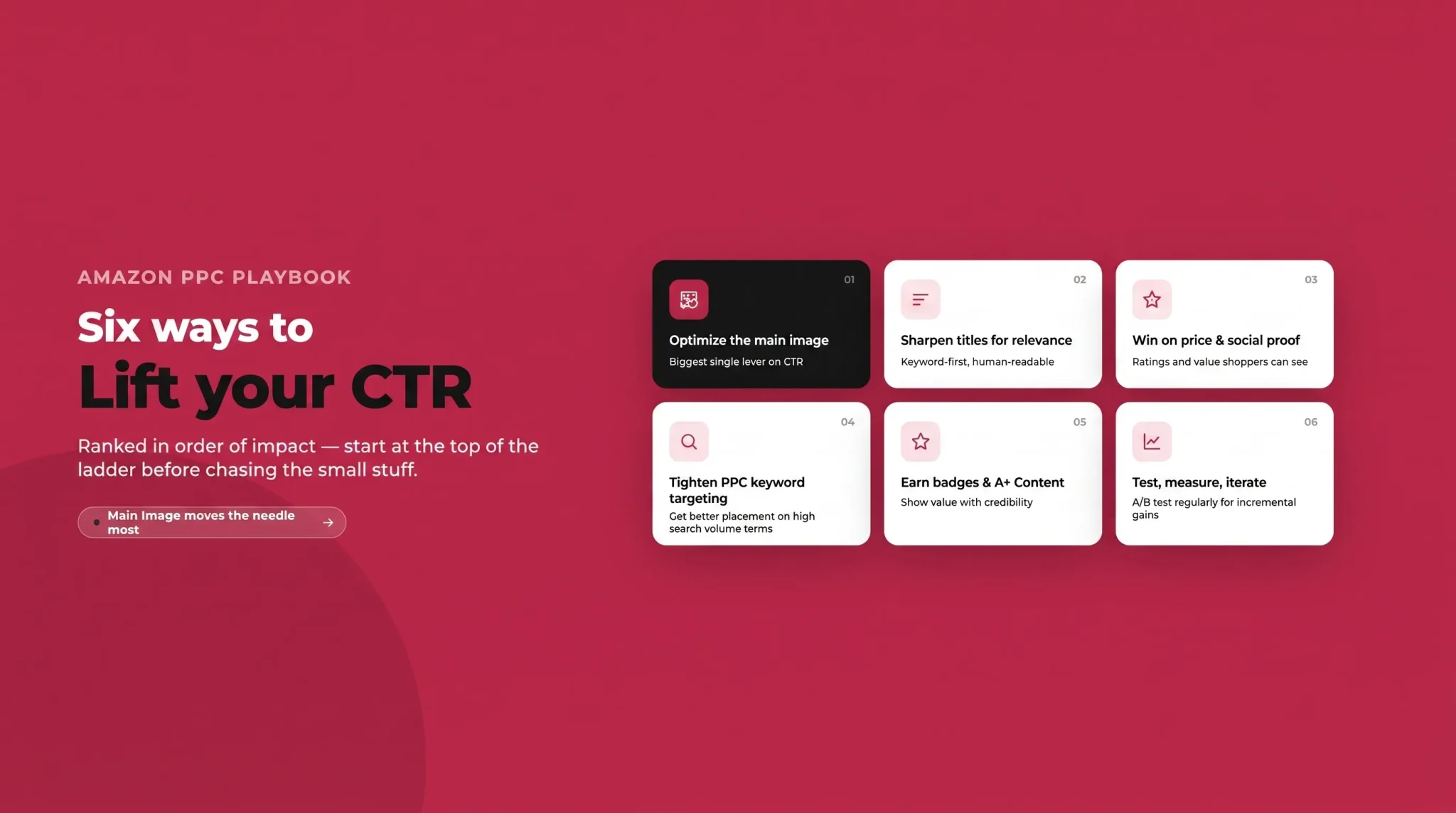
Once you know your benchmark and your weak points, here's how to increase CTR on Amazon in order of impact.
Optimize the Main Image
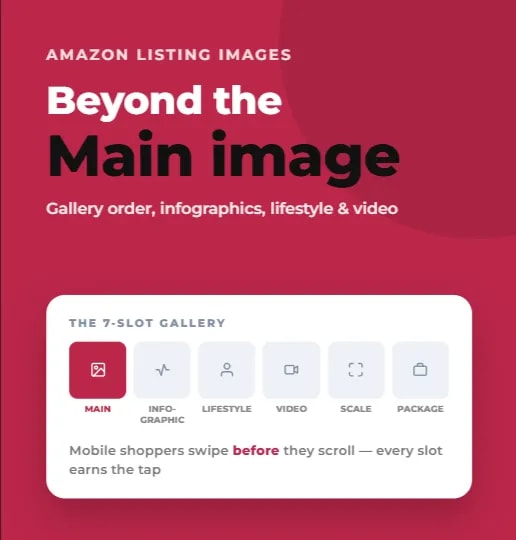
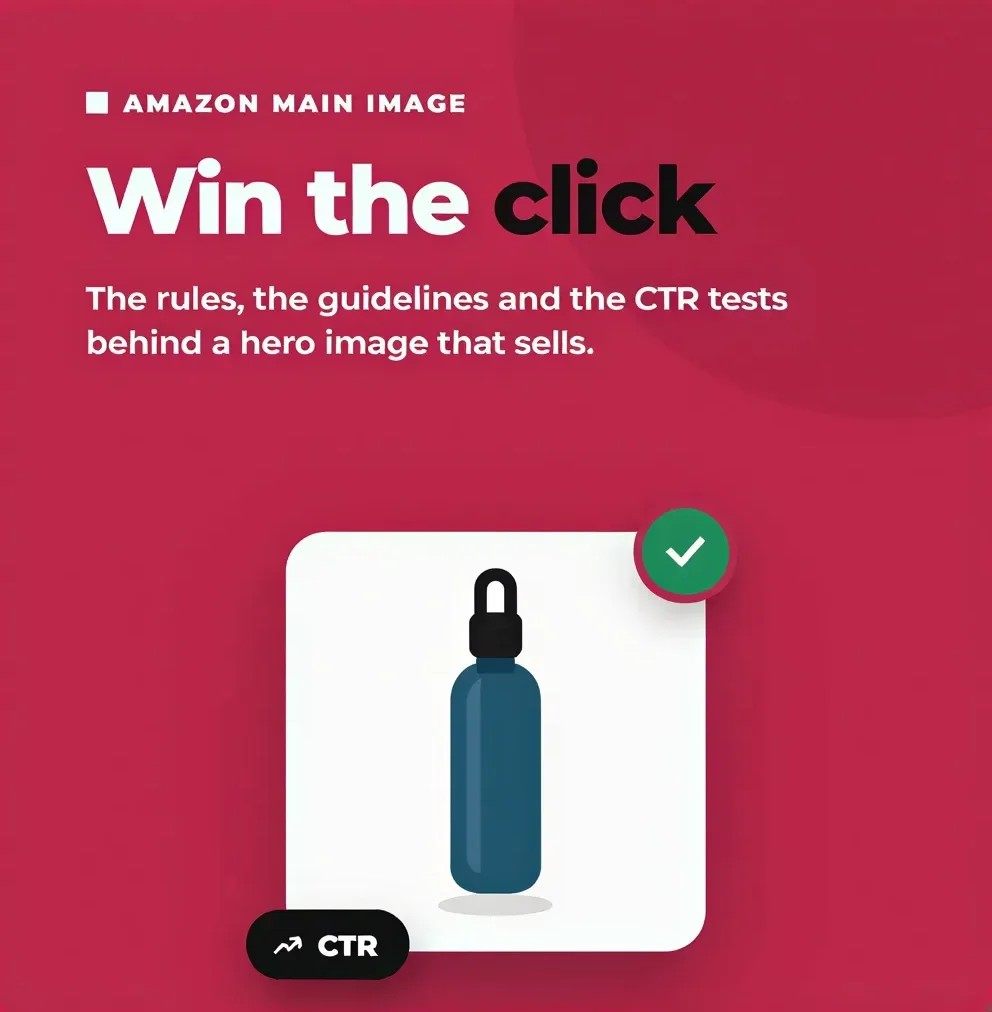
Your main image is the single biggest driver of click through rate. It's the first thing a shopper processes, before your title and before your reviews. Amazon requires a pure white background (RGB 255, 255, 255) for the primary photo, and recommends your product fill around 85% of the frame, so crop tight and lose the empty space.
Within those rules, treat the image as a canvas. Show the product clearly and make key details (size, count, variant, standout feature) instantly readable. The goal is for a shopper to understand what they're buying at a glance, because clarity builds the trust that earns the click.
Sharpen Titles for Relevance and Readability
Lead your title with your primary keyword and the product's most important features, then keep it readable for a human. A title that's stuffed with keywords but hard to parse will lose clicks to a clearer competitor. For Sponsored Brands ads, your headline is the hook; write it around a specific benefit or differentiator rather than a generic tagline.
Win on Price, Ratings, and Social Proof
Shoppers scan prices and star ratings almost unconsciously. If you're priced well above nearby competitors with fewer reviews, expect your CTR to suffer. You won't always win on price, but make sure your rating, review count, and value proposition give shoppers a reason to click anyway.
Tighten Keyword Targeting and Match Types in PPC
A low advertising CTR often means you're showing up for the wrong searches. Audit your search-term reports, add negative keywords to cut irrelevant impressions, and shift budget toward the exact and phrase matches that align with buyer intent. Fewer, better-matched impressions almost always beat a flood of loose ones.
Earn Badges and Support Intent with A+ Content
Prime eligibility, Best Seller, and Amazon's Choice badges all lift click through rate by adding credibility in the results. While A+ Content and your Brand Store live below the fold (after the click), they reinforce the buying decision and improve conversion, which feeds the flywheel that keeps your impressions coming.
Test, Measure, Iterate
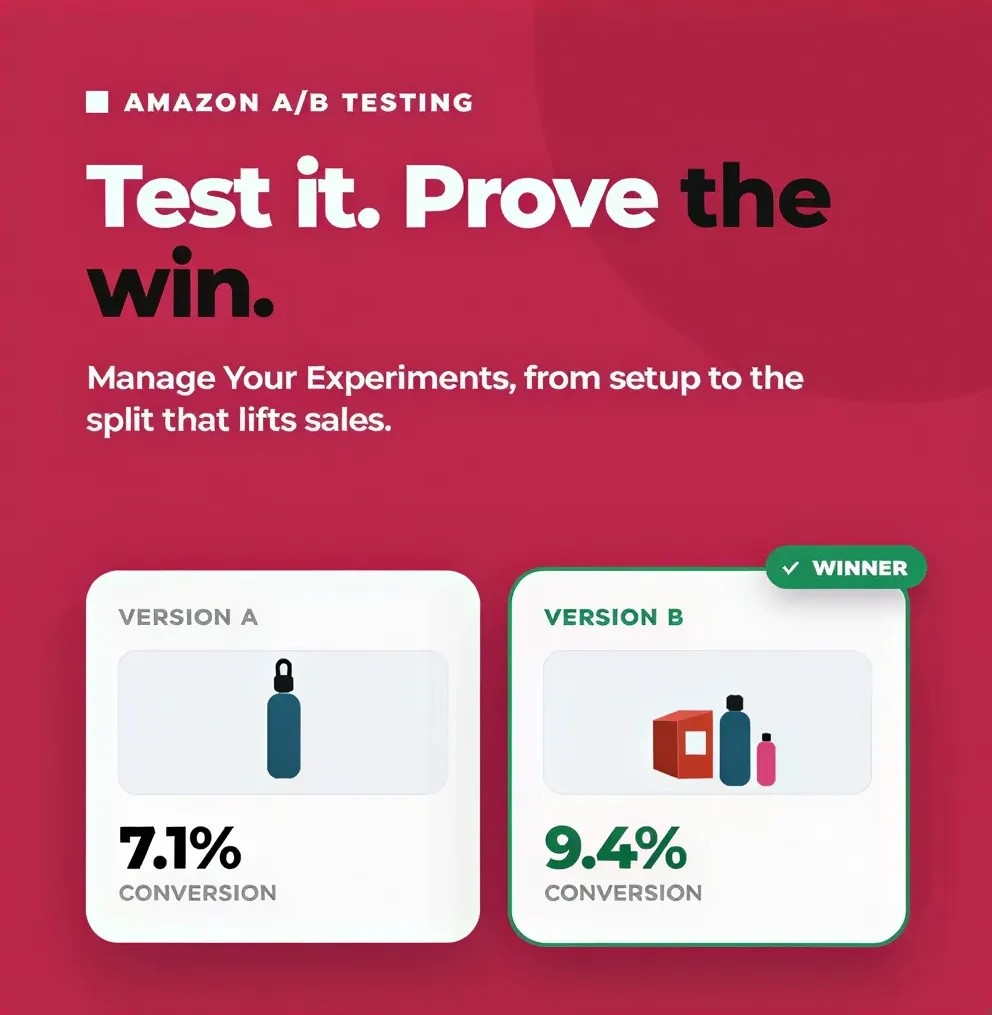
The only way to know what works for your product is to test it. Use Amazon's Manage Your Experiments tool to A/B test your main image and title: different angles, compositions, lighting, and messaging. Small, data-backed changes to the elements shoppers see first tend to pay the biggest dividends.
Common CTR Mistakes Sellers Make
Even experienced sellers trip on the same issues:
Chasing CTR at the expense of conversion. A clickbait image that misrepresents the product will earn clicks and then tank your conversion rate and reviews. CTR only helps when the traffic converts.
Ignoring search intent. Ranking for high-volume terms that don't match your product inflates impressions and craters CTR.
Over-broad auto campaigns that serve your ad on loosely related searches and quietly drain budget.
Cluttered images that fail on mobile, where most shopping happens and where tiny detail gets lost.
Turning Impressions Into Revenue
Your Amazon click through rate is the bridge between visibility and sales. Get it right and you improve two things at once, your organic rank and your advertising efficiency, without spending an extra penny on traffic. Get it wrong and even the best products stay invisible in plain sight.
Start by benchmarking honestly against your category and placement. Then work the highest-impact levers in order: a clearer main image, a sharper title, competitive price and social proof, and tighter PPC targeting. Finally, test your changes rather than guessing. A better click through rate is one of the most reliable ways to turn the impressions you're already earning into revenue.
If your listings are drawing impressions but not the clicks and sales you'd expect, this is exactly the kind of problem Flairox Listings solves. Our tool helps you optimize your listing title and main image to ensure that you turn impressions into clicks.
Frequently asked questions
Above 0.5% is healthy and below 0.3% signals a problem, but it shifts with placement: organic top slots reach 2%–5%, Sponsored Products run 0.3%–1%. Judge yours against your own category and placement.