Bilal Siddiqui
Key takeaways
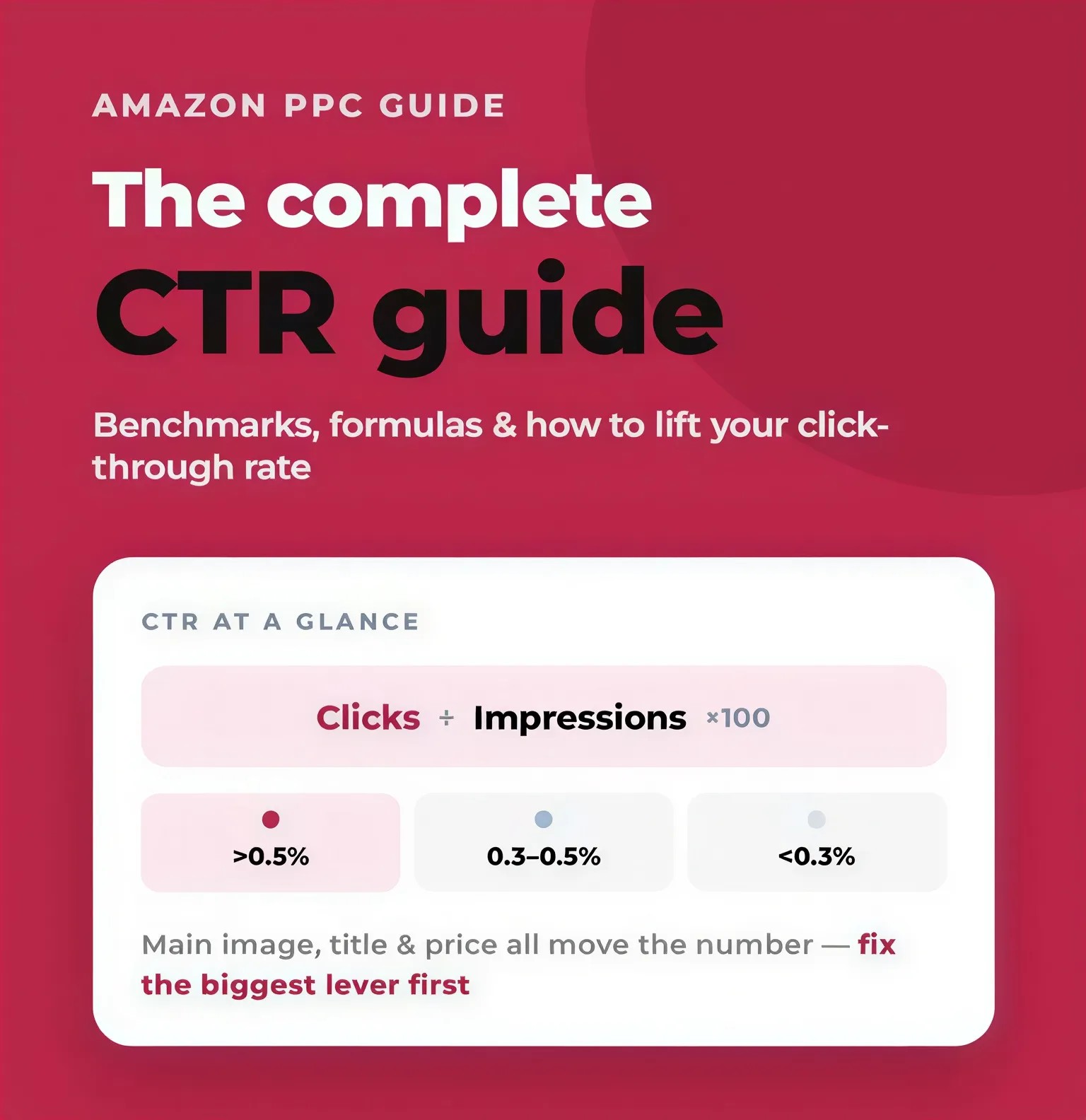
The main image wins or loses the click. It's the only image in search results, so it carries your entire click-through rate.
Compliance is non-negotiable. Pure white background (RGB 255, 255, 255), product filling 85%+ of the frame, no text, logos, or props, or Amazon can suppress your listing.
Resolution drives zoom and trust. Upload at 2,000+ pixels on the longest side to enable zoom and eliminate blur.
Optimize for mobile first. Over 70% of shoppers are on phones; if it doesn't read as a thumbnail, it doesn't work.
Hacks live inside the rules. Kill dead space, show packaging or bundles, and engineer contrast to lift CTR without risking suppression.
Test, don't guess. A/B test one variable at a time in Manage Your Experiments and keep only what wins.
Your product could be the best in its category and still lose the sale before a shopper ever reads your title. On Amazon, the main image is the first, and often the only, thing a buyer judges in the search results. If it doesn't earn the click, nothing else on your listing gets a chance to work.
Amazon main image optimization is the discipline of getting that single hero image right: compliant with Amazon's rules, sharp on a phone screen, and compelling enough to beat the competitor sitting directly next to you. This guide covers every requirement, the guidelines that get listings suppressed, how to fix blurry images, and how to run CTR tests that actually move the needle.
Why the Amazon Main Image Decides Your Click
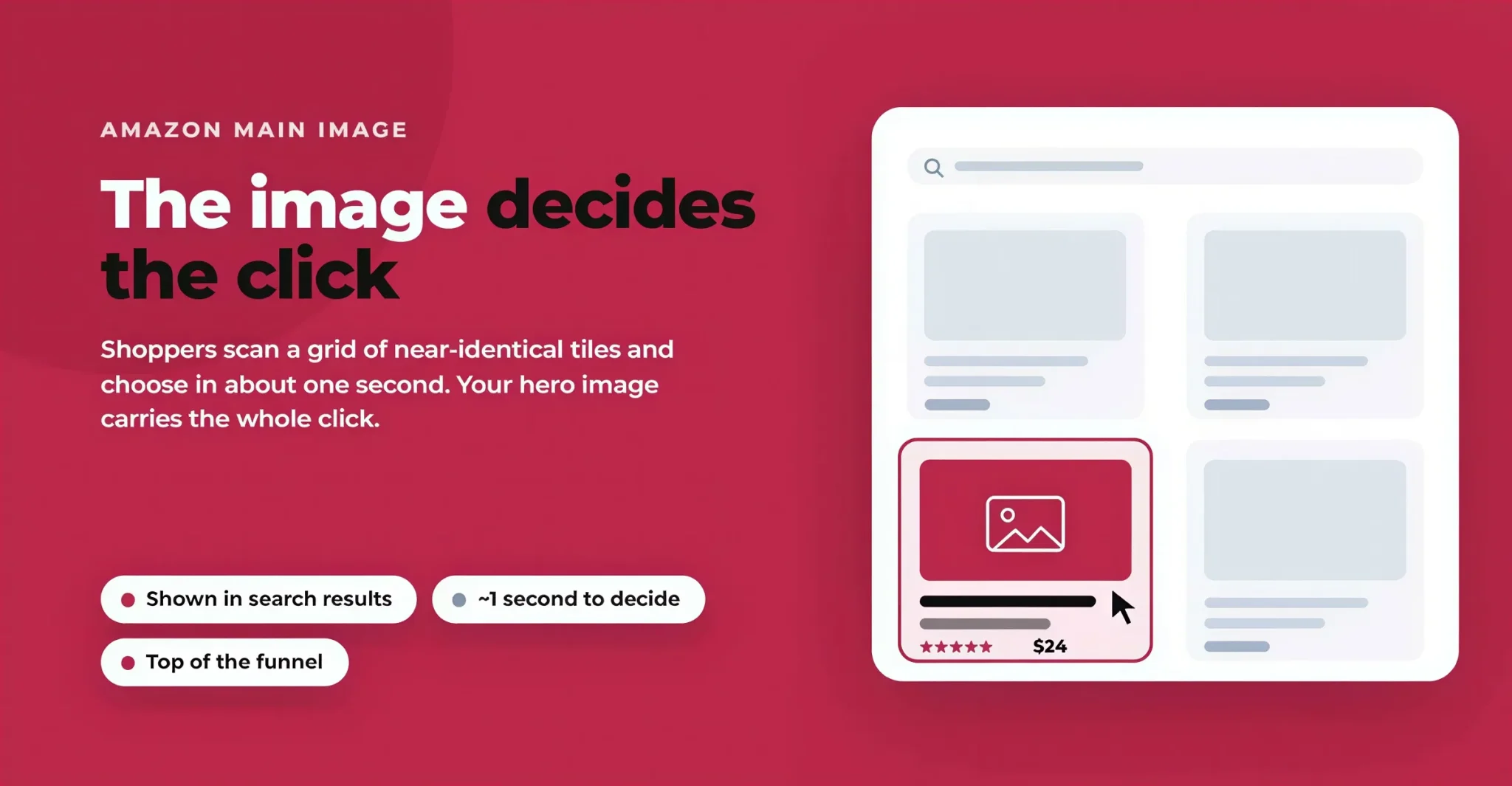
When someone searches on Amazon, the results page shows a grid of near-identical tiles: an image, a title, a price, a star rating. The image dominates that tile. Shoppers scroll fast, and they decide in roughly one second whether a product is worth a closer look.
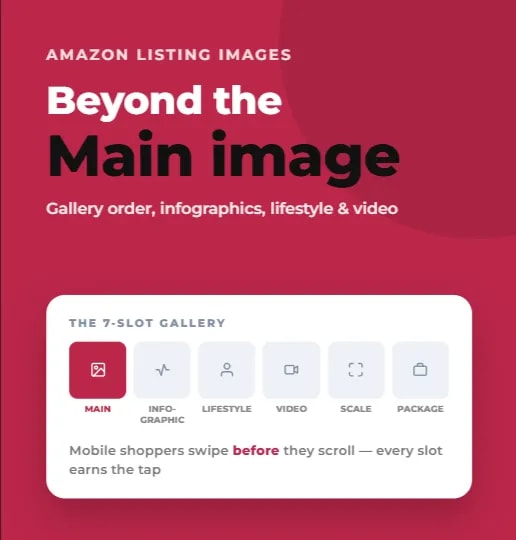
Here's how Amazon pictures work in practice. The main image (Amazon calls it the "MAIN" image) is the one shown in search results, on the category page, and as the first thumbnail on your product detail page. Your other images, the secondary shots, infographics, and lifestyle photos, only appear once someone has already clicked through. That means your main image carries the entire burden of the click.
This is why main image optimization is one of the highest-leverage changes you can make. A stronger hero image lifts your click-through rate (CTR), and a higher CTR feeds more traffic into your listing, which in turn signals relevance to Amazon's algorithm and can lift your organic rank. The main image isn't decoration. It's the top of your conversion funnel.
The research backs this up emphatically. According to Baymard Institute's UX research, a shopper's first action on a product page is to explore the images, before reading the title, description, or anything else. In short: the image does the persuading, and the data proves it.
Amazon Main Image Requirements
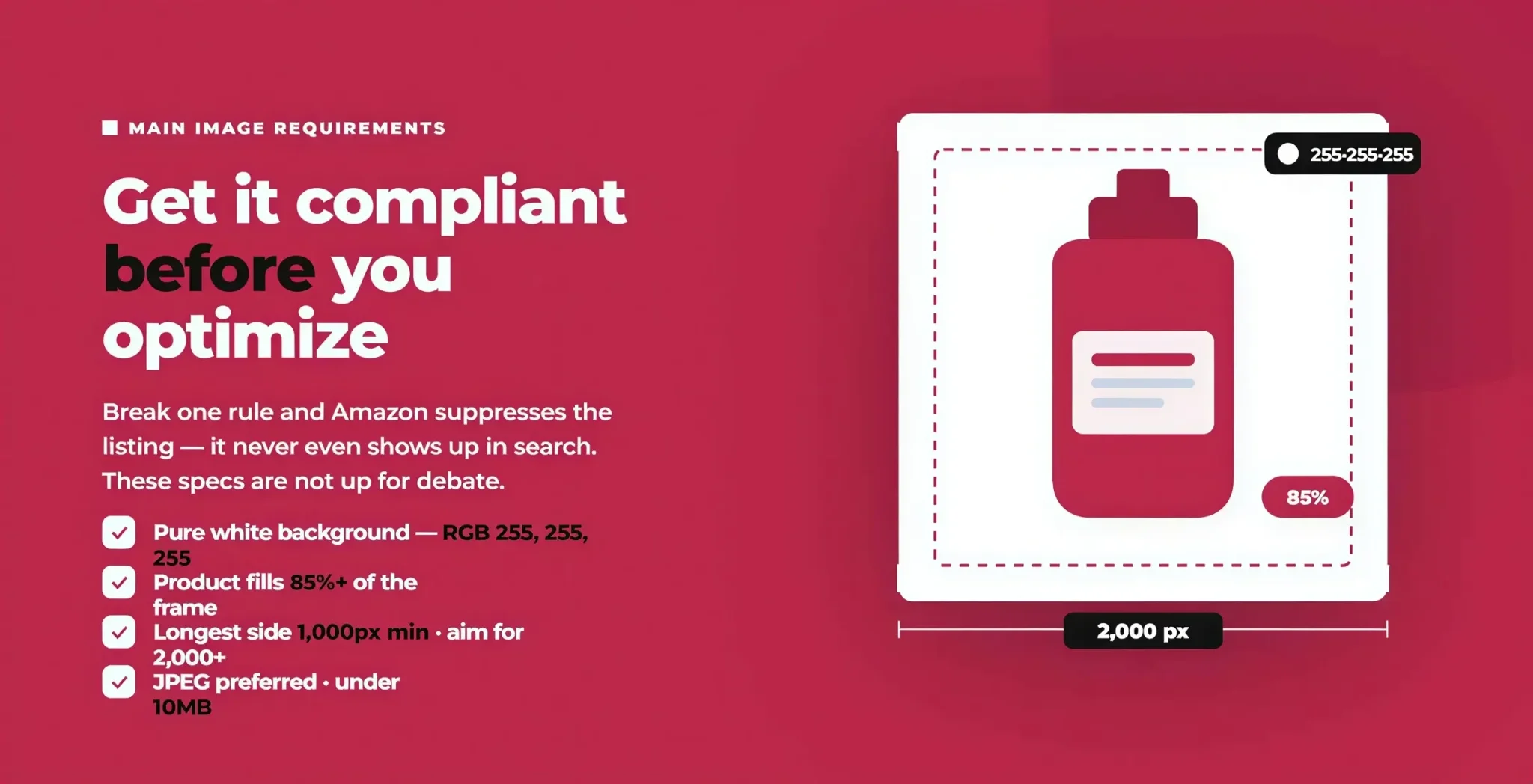
Before you optimize for clicks, your main image has to be compliant. Amazon enforces a specific set of main image requirements, and getting them wrong risks a suppressed listing that won't even appear in search. Here are the rules that are not up for debate.
The White Background Requirement
Every Amazon main image must sit on a pure white background of RGB values exactly 255, 255, 255. This is the single most-violated rule. A background that looks white to the eye but is actually RGB 250, 250, 250 can still get flagged. Before you upload, open the file in any editor and use the color picker to confirm the background is a true 255, 255, 255. Pure white lets Amazon's interface blend the image seamlessly into the page and keeps the focus entirely on your product.
Product Framing: Fill 85% of the Frame
Your product must fill at least 85% of the image frame. This is where a lot of sellers quietly lose clicks. Too much empty white space makes your product look small and cheap next to a competitor whose product fills the tile. Crop tight, center the product, and let it command the space, while still leaving a small margin so nothing touches the edges.
Dimensions, Resolution & Pixel Size
Amazon's rules on Amazon product image dimensions come down to one number that matters most: the longest side must be at least 1,000 pixels to enable the zoom function. Technically Amazon accepts images from 500 up to 10,000 pixels on the longest side, but anything under 1,000 disables zoom and looks soft.
The practical recommendation is to go bigger. Upload images at 2,000 to 3,000 pixels on the longest side for crisp zoom and sharp display on high-resolution phones and monitors. Many top sellers standardize on a 2,000 × 2,000 pixel square, because a 1:1 aspect ratio is the safest choice: it displays cleanly across search, detail pages, and mobile without awkward cropping.
File Format & File Size
Amazon supports JPEG (.jpg), PNG (.png), TIFF (.tif), and GIF (.gif). JPEG is preferred because it's smaller and loads faster, which matters on mobile connections. Keep each file under Amazon's 10MB limit. As a rule: shoot and edit in high quality, then export as an optimized JPEG.
To summarize the core Amazon main image requirements: pure white (255, 255, 255) background, product filling 85%+ of the frame, at least 1,000 pixels (aim for 2,000+) on the longest side, a preferred JPEG format, and a file under 10MB.
Amazon Main Image Guidelines: The Don’ts
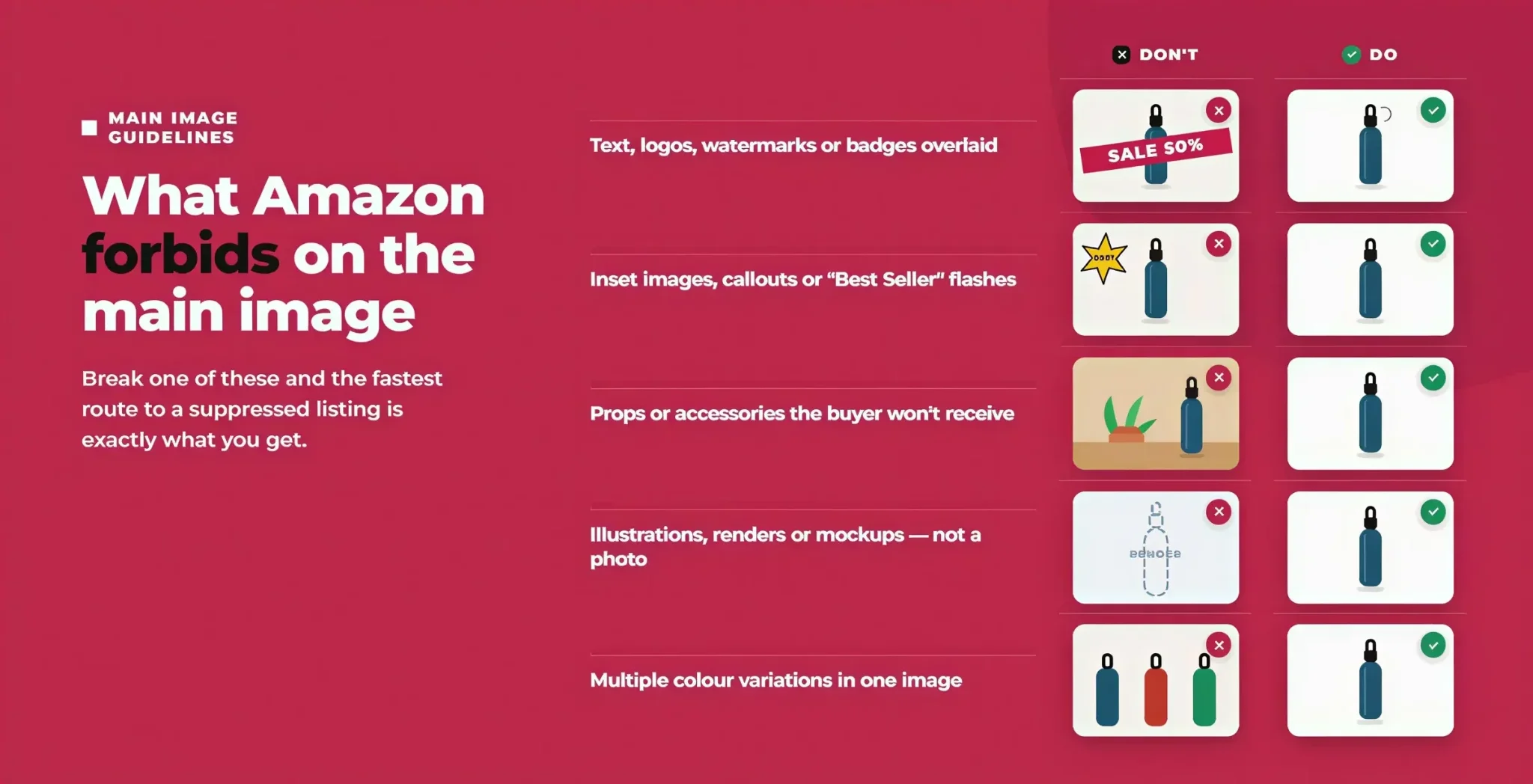
The requirements above tell you what to include. Amazon's main image guidelines tell you what's forbidden, and breaking these is the fastest route to a suppressed listing. On the main image, you cannot include any of the following:
Text, logos, watermarks, or badges overlaid on the image (brand logos on the product itself are fine)
Inset images, callouts, or graphics such as "Best Seller" flashes or promotional stickers
Props or accessories that aren't part of what the buyer receives, since they confuse expectations and can trigger complaints
Illustrations, renders, or mockups, because the main image must show the actual product, not a drawing or placeholder
Multiple color variations shown in a single main image
Amazon has been quietly tightening how it reviews photos during listing creation and routine catalog audits. The most common reasons for image-based suppression are a background that isn't pure white, a product filling less than 85% of the frame, prohibited text or logos, and resolution below the 1,000-pixel minimum. Fixing these proactively is far cheaper than getting a listing pulled during your peak sales week.
Why Are My Amazon Images Blurry? Fixing Zoom and Sharpness
A blurry main image kills trust instantly, and it's almost always a resolution problem. If your Amazon images look blurry, here's what's happening and how to fix it.
The zoom feature only activates when your image is larger than 1,000 pixels on the longest side. Below that threshold, Amazon disables zoom and displays a soft, low-detail image. Uploading a photo straight from a phone, or a heavily compressed file, produces exactly this: pixelation, jagged edges, and no zoom.
To fix blurry Amazon images:
Upload at 2,000+ pixels on the longest side so zoom is enabled and detail stays sharp.
Avoid over-compression. Export at high JPEG quality; don't run the file through multiple lossy compressors.
Start with a high-resolution source. You can't sharpen detail that was never captured, so shoot at full quality from the beginning.
Check the edges. Clean, crisp product edges against pure white are a sign of a properly resolved, professionally cut-out image.
Sharp images don't just look better; they let shoppers zoom in to inspect the product, which builds confidence and reduces returns.
Optimizing for Mobile Clarity
Here's the rule that changes everything: optimize for mobile first, always. More than 70% of Amazon shoppers browse on their phones, where your main image is rendered as a tiny thumbnail, sometimes just a couple of centimeters wide. An image that looks great on your desktop monitor can be an unreadable blob on a phone, so a thumbnail that fails to communicate is a click lost to the competitor beside you.
Design your main image so it passes four mobile clarity tests:
One-second identification. Can a shopper tell exactly what the product is within one second, at thumbnail size? If not, simplify.
Distinct silhouette. Is the product's shape instantly clear on a small screen? Strong, recognizable shapes win.
Tight crop. Have you eliminated unnecessary white space so the product fills the tile?
Centered and clean. Is the product centered with even, bright lighting and no distracting shadows?
Before you finalize any main image, shrink it to thumbnail size on your own phone and look at it in a real search results page next to competitors. If it doesn't stand out at that size, it isn't optimized, no matter how good it looks full-screen.
Running Amazon Main Image CTR Tests
Everything above gets you a compliant, clear, mobile-ready image. CTR testing is how you confirm which version actually wins the most clicks, replacing opinion with data. The quickest route is Amazon's Manage Your Experiments tool: if you're on a Professional account and enrolled in Brand Registry, you can run an official A/B test that splits traffic 50/50 and tells you which main image drives more sales. Test one variable at a time, run it for around six weeks, and keep only what measurably beats your current image.
We'll publish a dedicated deep-dive on Amazon main image A/B testing soon, covering the full setup, benchmarks, and how to read results with confidence.
Amazon Main Image Optimization Hacks That Boost CTR
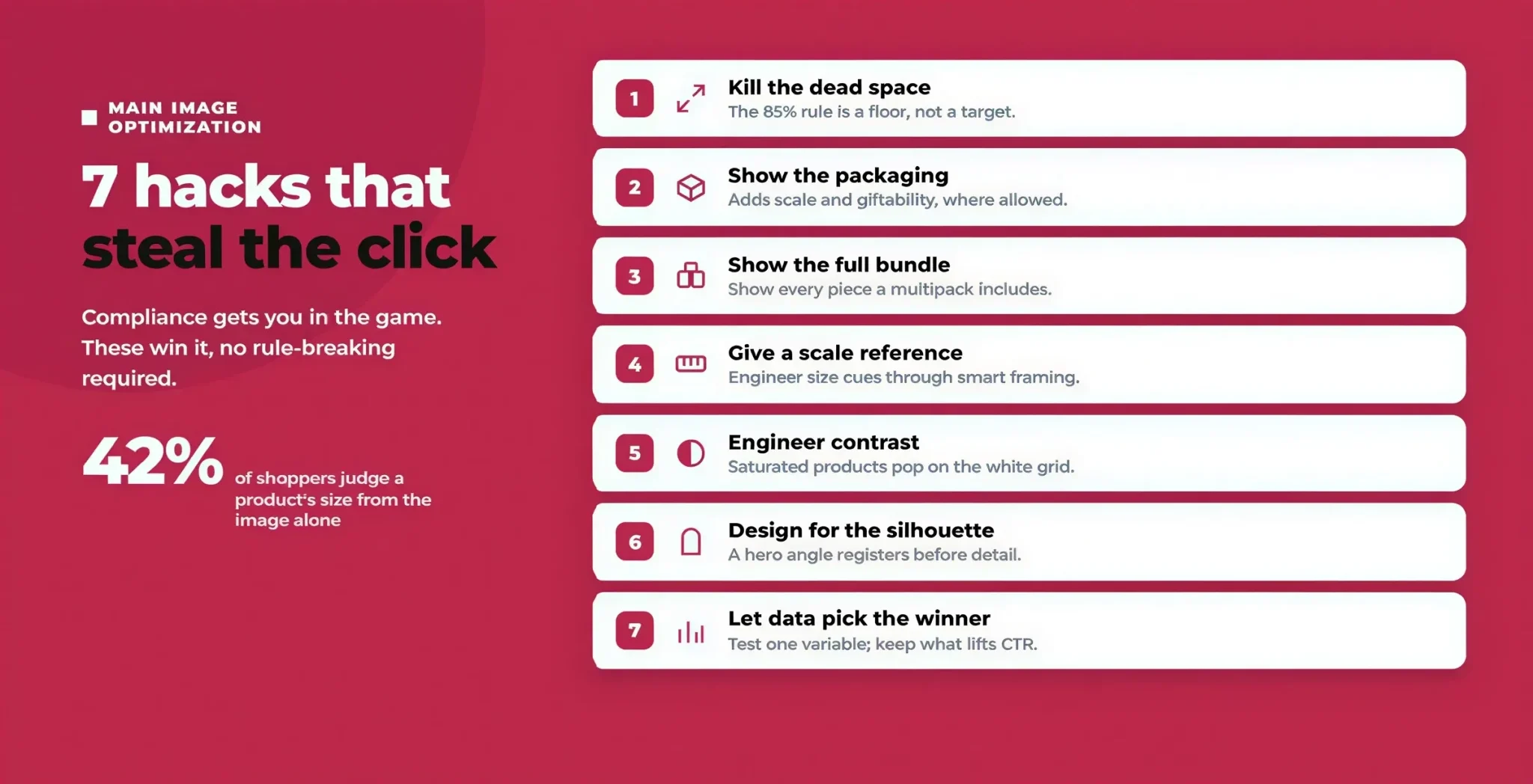
Compliance and clarity get you in the game. These are the optimization hacks that separate a main image that merely exists from one that actively steals clicks from competitors. None of them require breaking Amazon's rules; they're about working smarter inside them.
Hack 1: Kill the dead space to make the product look bigger
The 85% rule is a floor, not a target. Every pixel of empty white background makes your product look smaller and cheaper next to a competitor who cropped tighter. Push your product to fill the frame aggressively (while leaving a slim margin). Reducing dead space is the single fastest way to make a product feel more commanding in the search grid, and it costs nothing but a re-crop.
Hack 2: Show the packaging to add value and scale
For small or low-cost products, a bare item can look insignificant as a thumbnail. Where Amazon's category rules allow it, staging the product with its premium packaging can make a tiny item "appear larger than life," signal giftability, and build brand authority and trust. This is especially powerful for supplements, beauty, and consumables. Caveat: Amazon restricts showing packaging unless it's essential to the product, so always A/B test inclusion and confirm your category permits it before rolling it out.
Hack 3: Show the full bundle or multipack
If you sell a 3-pack, a set, or a bundle, show all the pieces, neatly arranged. Shoppers scanning results want to instantly understand what they get for the price. A clearly laid-out multipack communicates value at a glance and can justify a higher price point versus a single-unit competitor. Sloppy, cluttered arrangements do the opposite, so invest in clean composition.
Hack 4: Give the eye a scale reference
Baymard's research found that 42% of users try to judge a product's size from its images alone, yet a large share of listings never make scale clear. While your main image must show only the actual product (no props or hands), you can engineer a sense of scale through smart framing and consistent proportions, then reinforce true scale heavily in your secondary images. Getting size expectations right reduces disappointed returns and negative reviews.
Hack 5: Engineer contrast against the white grid
Because every main image sits on the same pure-white background in an all-white results grid, products with strong color, bold form, and bright, even lighting pop while dull or dark products recede. If your CTR is lagging, test brighter lighting, higher contrast, and a more saturated (but accurate) color rendering. Don't fake colors, but do make sure your product is lit to look its best.
Hack 6: Design for the silhouette
At thumbnail size, shoppers register a shape before they register detail. Angle and orient your product so its most recognizable, distinctive silhouette faces the camera. A slight hero angle often reads better than a flat straight-on shot because it conveys depth and dimensionality, but this is exactly the kind of thing to confirm with a test rather than assume.
Hack 7: Let data pick the winner, not your gut
Every hack above is a hypothesis until your shoppers vote. The sellers who win consistently are the ones who treat the main image as a living asset, testing crops, angles, lighting, and packaging inclusion one variable at a time, and keeping only what measurably lifts CTR. We cover the mechanics of that in the CTR testing section above; the mindset is what matters here.
Do You Need an Amazon Product Photography Service?
A question sellers often ask: does Amazon do photos for you? Amazon itself doesn't produce your product photography; that's on you or a partner. And because the main image carries so much weight, cutting corners here is usually a false economy.
A professional Amazon product photography service delivers what phone photos rarely can: consistent studio lighting, true pure-white backgrounds cut cleanly to 255, 255, 255, high-resolution files that enable zoom, and framing built specifically for Amazon's 85% rule and mobile thumbnails. The difference between an amateur snapshot and a properly lit, correctly framed hero image is often the difference between a 1% and a 2.5% CTR, which, at scale, is an enormous swing in revenue.
If you're weighing whether to invest, look at your current CTR against the benchmarks above. If you're below category average, your main image is very likely leaving money on the table.
Conclusion
Your Amazon main image is the highest-traffic pixel real estate you own. Getting it right, compliant, sharp, mobile-clear, and tested, is one of the fastest ways to lift clicks, conversions, and organic rank without spending a cent more on ads.
At Flairox, we help brands optimize every element of their Amazon presence, from main image and Amazon listing optimization to A+ Content and brand storefront, full Amazon account management, and full-funnel CTR and conversion testing. If you're not sure your hero image is pulling its weight, sign up to Flairox Listings now to generate multiple renders of your main image, test them against each other, and choose the version with the highest CTR.
Frequently asked questions
A pure white background (RGB 255, 255, 255), the actual product filling at least 85% of the frame, no text, logos, watermarks, or props, and at least 1,000 pixels on the longest side (2,000+ recommended). JPEG is preferred, under 10MB.