 Anum Zahid
Key takeaways
Amazon badges are visual markers that influence buyer trust, boost visibility, and drive more clicks and sales.
Different badge colors have unique meanings—blue for trust (Prime), green for savings (Coupons), and red for alerts.
Badges like “Amazon’s Choice” and “Best Seller” are algorithm-driven, while “Limited Deal” and “Coupons” are manually activated.
To earn badges, focus on optimizing listings, delivering excellent customer service, and maintaining fast shipping and stock levels.
Tools like Helium 10 and AMZScout can help monitor badge status and optimize your product listings accordingly.
Introduction
When browsing Amazon, have you ever noticed badges like "Amazon’s Choice," "Best Seller," or that distinctive Prime checkmark? These visual cues are more than just aesthetic—they’re powerful trust signals that influence a buyer’s purchase decision. Amazon badges help products stand out in a sea of listings, encouraging higher click-through rates (CTR), better conversions, and long-term sales growth.
These badges come in various colors such as blue, yellow, orange, red, and even purple, each representing different meanings and benefits for sellers and customers alike. In this guide, we’ll break down every major badge on Amazon, explain what each one means, and walk you through how to earn them as a seller.
By understanding the badge system, you can discover an easy way to boost your product’s visibility, contribute to a great shopping experience, and become a successful seller in Amazon’s competitive business environment.
What Are Amazon Badges?
The Role of Badges on Amazon
Amazon badges are icons or labels that signal trust, performance, deals, or urgency. Whether it’s the iconic Prime badge or the highly coveted Amazon’s Choice tag, each badge serves as a shorthand for customers to evaluate products quickly.
These visual markers are algorithmically awarded based on performance metrics like conversion rates, shipping speed, reviews, or pricing competitiveness.
Where Do Badges Appear?
You’ll find Amazon badges in several key areas:
Search result pages: Badges help listings pop on crowded search result screens.
Product listing pages: Prominently displayed near the product title or pricing.
Sponsored ads: Especially for Prime, Best Seller, and Deal badges.
Amazon app vs. desktop: While badges appear on both, their size and placement might differ.
A Complete Breakdown of Amazon Badges
1. Amazon Prime Badge
What It Means: Fast and free shipping via Amazon Prime.
Requirements:
Use Fulfillment by Amazon (FBA) or Seller Fulfilled Prime (SFP)
Maintain high delivery reliability and meet performance metrics
How to Get It:
Enroll in the FBA program or apply for Seller Fulfilled Prime
Ensure your inventory stays in stock and shipments are on time
Why It Matters: Prime-eligible products often rank higher for Amazon Prime shoppers and get an edge in search filters.
2. Amazon’s Choice Badge
What It Means: Amazon’s recommendation for a specific search term.
How It’s Awarded:
Algorithmically assigned based on low return rates, high sales, and strong reviews
Contextual to specific keywords
How to Earn It:
Improve keyword optimization
Gather consistent, positive reviews
Avoid frequent returns by ensuring product accuracy
Myth-Busting: You can’t apply for it—it’s automatically assigned based on performance.
🔍 More insights from SellerApp
3. Best Seller Badge
What It Means: Product ranks #1 in a category or subcategory.
Metrics Behind It:
Determined by Best Seller Rank (BSR), which updates hourly
How to Achieve It:
Launch aggressively using PPC and promotions
Maintain high conversion rates and drive traffic
Strategic Tip: Products with this badge dominate search results and category pages.
4. Limited Time Deal Badge
What It Means: Indicates active promotional pricing for a set time.
Common Scenarios:
Lightning Deals
7-Day Deals
How to Get It:
Apply through Seller Central > Deals
Meet Amazon’s eligibility criteria (4+ star rating, Prime shipping, competitive price)
Why It Works: Triggers FOMO (Fear of Missing Out) and increases conversions during the deal window.
5. Coupons Badge (Green Tag Icon)
What It Means: Indicates an active coupon available for shoppers.
How to Create:
Navigate to Seller Central > Advertising > Coupons
Choose your discount type (amount or percentage), duration, and budget
Benefit: The green badge color increases listing visibility and highlights savings.
6. Red Badge on Amazon
What It Means: Usually flags a warning, error, or compliance issue.
Seen When:
Listing is out of stock
Performance or policy issues occur
Warehouse operations encounter errors
Important Note: This badge is not shown to customers—it’s an internal signal requiring seller action.
7. Orange Badge on Amazon
What It Means: Varies by context.
On job portals: Shows seasonal/temporary jobs
In Seller Central: May indicate early reviewer program notices or internal alerts
Seller Insight: This badge doesn’t affect buyer decisions or sales—it’s for internal or operational cues.
Badge Color Meanings (And Why They Matter)
Colors are more than aesthetic—they subtly shape shopper perception. Here’s a quick decode:
Blue (Prime): Trust and reliability
Black/Gold (Amazon’s Choice): Smart recommendation
Green (Coupons): Savings and value
Orange: Urgency or notifications
Red: Warnings or issues
Gray: Unavailable or unfulfilled listings
Understanding these can help you strategically prioritize which badges to target.
How to Increase Your Chances of Getting Amazon Badges
Optimize Listings
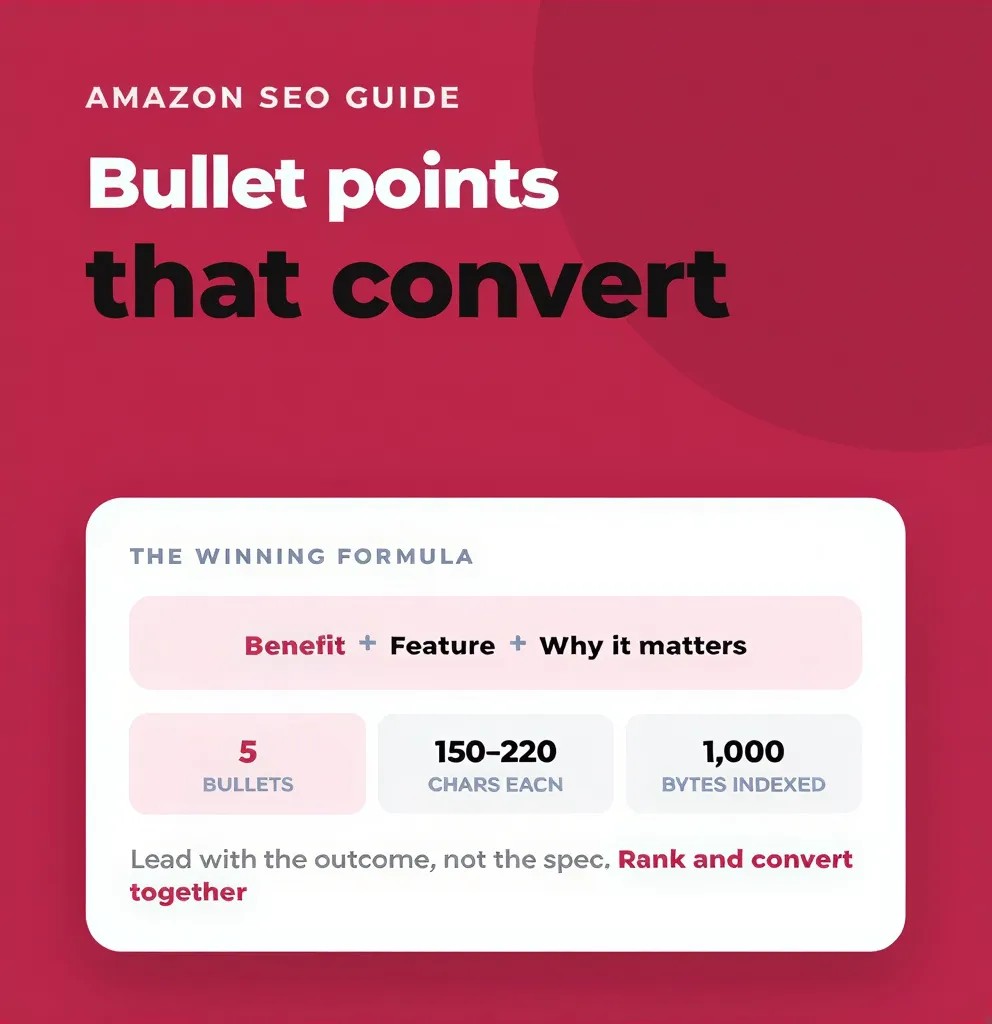
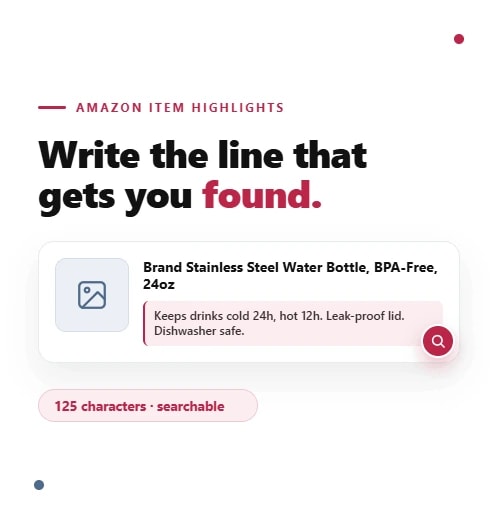
Use keyword-rich product titles and bullet points to make your product listings more discoverable. Incorporating relevant keywords naturally helps Amazon’s search algorithm match your products with customer queries, increasing visibility and attracting more potential buyers.
Add high-resolution images and A+ Content to enhance your product pages visually. High-quality images provide customers with a clear understanding of your product, while A+ Content allows you to showcase your brand story and product features in a compelling way, improving customer trust and engagement.
Maintain complete, detailed product descriptions that clearly explain the features, benefits, and uses of your product. Well-written descriptions help customers make informed decisions, reduce confusion, and decrease the likelihood of returns, contributing to higher customer satisfaction and better seller performance.
Flairox Listings
Build a Stronger Listing Behind Every Badge
Create keyword-focused titles, bullet points, descriptions, product images and A+ Content in one workspace, then track how your listing performs over time.
Optimize Your Listing Free → ★ Featured ✓
Focus on Customer Experience
Proactively encourage reviews through follow-up emails. Sending polite and timely follow-up emails to customers after purchase can significantly boost the number of product reviews. Positive reviews not only improve your product’s credibility but also increase your chances of earning coveted Amazon badges like Amazon’s Choice or Best Seller. Encouraging feedback creates a sense of engagement and trust between your company and its customers, contributing to a better shopping experience and stronger brand reputation.
Minimize returns by offering accurate listings and fast shipping. Providing precise and detailed product descriptions, along with clear images, ensures customers know exactly what they are buying, which reduces the likelihood of returns. Fast and reliable shipping further enhances customer satisfaction by meeting or exceeding delivery expectations. Together, these practices help maintain a low return rate, a crucial factor Amazon’s algorithms consider when awarding badges. A low return rate signals to Amazon that your product is dependable, increasing your chances of being noticed and rewarded with badges.*
Stay In-Stock and Competitive
Use FBA or reliable 3PL services to ensure fast and dependable order fulfillment. Utilizing Fulfillment by Amazon (FBA) or trusted third-party logistics providers helps maintain high shipping standards, which is crucial for earning badges like the Amazon Prime badge. Reliable fulfillment not only improves customer satisfaction but also signals to Amazon that your listing meets their performance criteria.
Monitor pricing to stay competitive using tools like RepricerExpress. Keeping your product prices attractive in a dynamic marketplace is essential for winning badges that depend on competitive pricing and sales velocity. Automated repricing tools help you adjust prices in real time, ensuring your offers remain appealing to customers and increasing your chances of badge eligibility.
Advertise Strategically
Running Amazon PPC campaigns is a highly effective way to boost your product’s visibility and sales velocity. By strategically targeting relevant keywords and audiences, PPC ads can drive more traffic to your listings, increasing the chances of earning coveted badges like Amazon’s Choice or Best Seller. This advertising approach not only helps improve sales performance but also signals to Amazon’s algorithm that your product is popular and trustworthy.
Setting up Coupons, Deals, or Promotions is another crucial strategy to qualify for various Amazon badges. These promotional tools attract bargain-hunting customers and enhance your product’s appeal by offering time-sensitive discounts or special offers. Utilizing these options effectively can trigger badges such as the Coupons green tag or Limited Time Deal badge, which in turn boost your product’s visibility and conversion rates, creating a win-win scenario for sellers and customers alike.
The Impact of Amazon Badges on Sales
Earning badges isn’t just about aesthetics—they directly impact your bottom line:
Higher CTR in Search Results: Amazon badges significantly enhance a product’s visibility on search result pages. When shoppers browse through numerous listings, badges act as eye-catching markers that draw attention and differentiate your product from competitors. This increased visibility naturally leads to a higher click-through rate (CTR), meaning more potential customers are visiting your product page, which is a crucial step toward boosting sales and building brand recognition.
Increased Conversion Rates Due to Added Buyer Trust: Badges serve as trust signals that reassure customers about the quality, reliability, and value of your product. For example, the Amazon Prime badge indicates fast and reliable shipping, while the Amazon’s Choice badge highlights a product recommended by Amazon based on strong performance metrics. These badges reduce buyer hesitation by providing social proof and confidence, which directly contributes to higher conversion rates, turning more visitors into satisfied customers.
Improved Organic Ranking Over Time from Better Engagement: Products that earn badges often experience improved organic rankings within Amazon’s search algorithm. This is because badges correlate with higher engagement metrics such as clicks, conversions, and positive reviews. As your product gains more traction and customer interaction, Amazon’s system recognizes it as a relevant and trusted option, which further boosts its placement in search results. This positive feedback loop helps maintain and grow your product’s visibility and sales potential over time.
According to SmartScout, products with badges can outperform non-badged items by over 30% in conversion metrics.
Common Myths About Amazon Badges
“I can pay to get a badge” – ❌ False
Only promotional badges (like Coupons) can be set manually.“Only big brands can earn badges” – ❌ False
Smaller sellers regularly earn badges through great performance.“All badges are permanent” – ❌ False
Amazon updates badges in real-time based on ongoing product performance.
Tools to Help Track and Optimize for Badges
Helium 10 – Track keyword rankings, listing health, and sales metrics
🔗 https://www.helium10.com/Jungle Scout – Analyze product performance, categories, and seller data
🔗 https://www.junglescout.com/AMZScout – Badge and rank tracking across competitive listings
🔗 https://amzscout.net/blog/amazon-badges/SmartScout – Best for monitoring badge distribution at scale
🔗 https://www.smartscout.com
Conclusion
Amazon prime badges and other Amazon badges play a crucial role in boosting product visibility, building customer trust, and driving sales on the platform. Understanding the meaning behind each badge color—whether blue badge for Prime, yellow badges for deals, or red badges for alerts—allows sellers to strategically optimize their listings and improve performance. By focusing on factors such as fast shipping, competitive pricing, excellent customer service, and positive reviews from customers and employees alike, sellers can increase their chances of earning these valuable badges.
Utilizing tools like Helium 10 and AMZScout, along with advertising strategies such as Amazon PPC and coupons, further supports badge acquisition and helps maintain a competitive edge in Amazon’s dynamic marketplace. This approach creates a fun and engaging environment for sellers eager to contribute and grow their business. Ultimately, mastering the Amazon badge system is an effective way to enhance your brand’s credibility, attract amazing people as customers, and achieve long-term success in the world of e-commerce.
If you are interested in learning more, check out our blog for tips and models on creating a great team and forward-thinking business strategies. Remember, there is only one way to calculate success on Amazon: listen to customer feedback, avoid mistakes, and always strive for personal growth.
Frequently asked questions
No. Most badges are earned through performance, except for Deals and Coupons, which are created through Seller Central.